Reference to Video
TikTV.AI's reference to video generator lets you keep characters and scenes consistent in every frame. Try our reference to video AI to create consistent character videos for free.


Introduce Characters & Objects into Your Favorite Scene
Prompt
In front of Notre-Dame Cathedral, three women are taking selfies.
Generate New Contexts for Your Main Characters/Objects
Prompt
A woman with a straw hat is cycling through the rose garden.
Remix Images into a Single Cohesive Video
Prompt
In the park, a little boy and a puppy are having a picnic and playing on the grass by the lake.
Endless Possibilities for Your Creative Vision
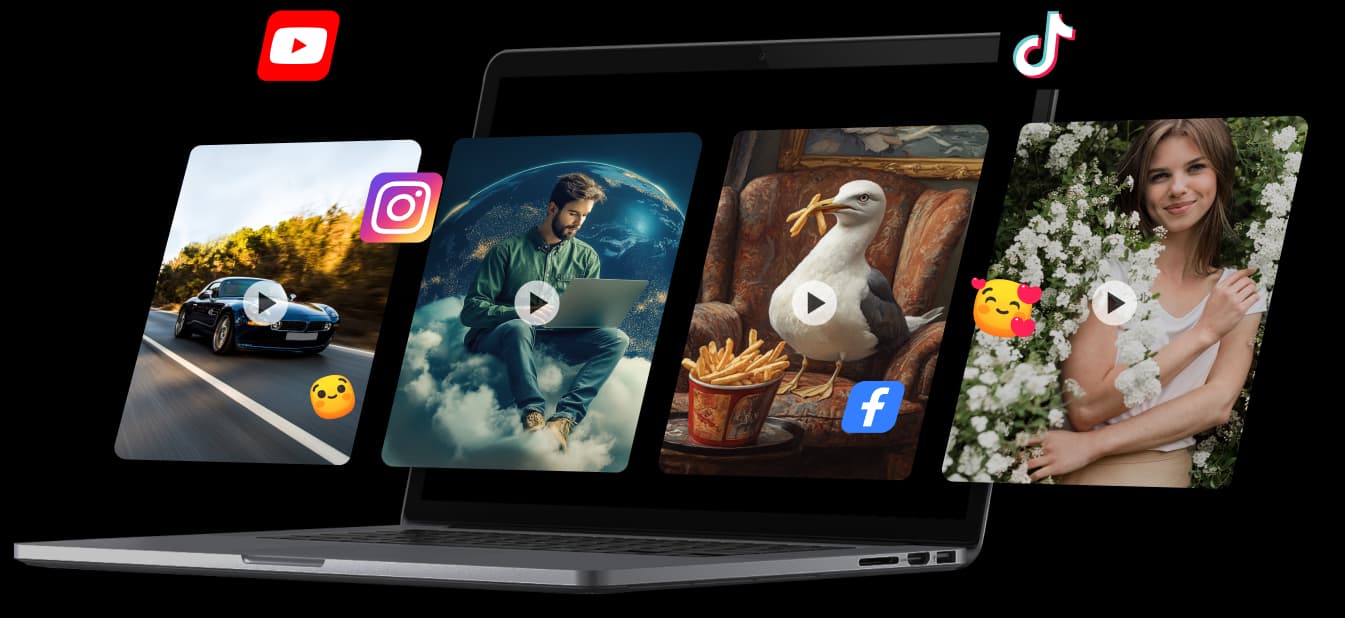
With TikTV.AI reference to video generator, you can effortlessly create eye-catching videos for Instagram, TikTok, and YouTube, or showcase products in various settings, or produce fun, entertaining, or heartwarming videos that connect with families and friends.
Smooth Transitions And Natural Movements
TikTV.AI reference to video generator analyzes each chosen element in your uploaded images and generates dynamic videos with smooth transitions and natural movements not only for characters and objects but also for the entire scene!
TikTV.AI Reference to Video Generator Caters to All
Just upload different images with varying subjects and objects, and they’ll be seamlessly blended into one, consistent visual environment.
Start showcasing products consistently in various settings and create multiple variations at scale. Save time and effort.
Generate consistent character visuals for storyboards, animations, or game assets, streamlining production and maintaining artistic coherence.
Create recognizable personas or recurring characters that stay visually stable across different clips and platforms, boosting follower connection.
How to Create Consistent Character Videos with TikTV.AI
Step 1
Step 1
Upload one or multiple images that represent your desired characters, objects, or scenes.
Step 2
Choose which element you want to maintain consistency for throughout the video.
Step 3
Let TikTV.AI create a dynamic and visually coherent video that brings your vision to life.
Unlock the Full Potential of Other AI Video Generators

Join 10M+ Users Using TikTV.AI to Create and Inspire
Trustscore 4.4Loved by 10M+ Creators and Marketers Globally
Thousands of satisfied users have shared their TikTV.AI experiences on Trustpilot, rating us as "Excellent." See what they love about our platform.


Richard Quick
Awesome website
Awesome website. loads of options and a great way to learn how to work with 'AI'...

armourdude
I have been using TikTV AI for short...
I have been using TikTV AI for short videos. It is easy to use and works well with simple prompts...
Dudu
I'm just amazed by the level of quality...
I'm just amazed by the level of quality output that TikTV AI can produce from a simple image. The motion, the realism, It's too good!!
FAQs
What is TikTV.AI reference to video generator?
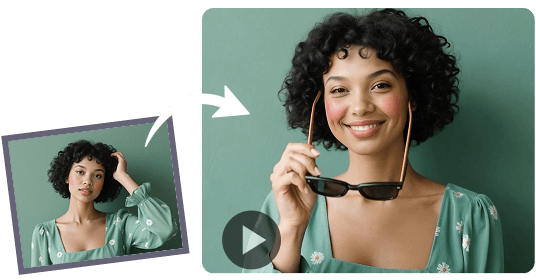
TikTV.AI's Reference to Video Generator transforms images into dynamic videos while maintaining your chosen subject's exact details. The subject can be a person, an object, or an entire scene, and their appearance will remain consistent throughout the generated video.
How does TikTV.AI reference to video generator work?
Users upload up to three images and select the main subjects they want to keep consistent. TikTV.AI's advanced algorithms generate a video, ensuring the chosen subjects retain their visual consistency. The AI guarantees smooth transitions and natural movements to create a cohesive video.
Is TikTV.AI reference to video tool free to use?
Yes. TikTV.AI offers a free plan with limited credits. You can try out the tool without any costs. If you want to keep producing more consistent character videos, please upgrade.
What can I create with TikTV.AI consistent character video?
You can create a diverse range of videos using this tool, from showcasing characters in various environments to presenting products in different contexts, all while maintaining a unified visual style throughout the video.
How to create consistent character videos with TikTV.AI?
To create a consistent character video, upload your images to TikTV.AI, select the main subjects you want to keep consistent, define your desired video characteristics, and let the AI generate your video.
How many images can I upload to TikTV.AI reference to video tool?
You can upload up to three images to the TikTV.AI tool at a time. This allows you to create dynamic videos by selecting multiple subjects or scenes while maintaining visual consistency throughout the generated content.