
When using Kling AI to convert images into videos, many users may encounter issues with the functionality not working as expected. This can be frustrating and may hinder project timelines.
This detailed article aims to provide you with a practical guide to fix the issues related to Kling AI’s image-to-video failure. Stay tuned and find out how you can smoothly complete your projects.
Effective Solutions When Kling AI Image to Video Fails
Below are some of the effective solutions you can try out when Kling AI Image to Video fails:
Start All Over Again
It is recommended to reset the process to address potential errors. This involves closing the website and refreshing the browser, re-uploading your image and initiating the generation process anew. Restarting helps reset any temporary glitches that may have caused the failure.
Check Your Network
If Kling AI’s image-to-video generation fails due to a network issue, first reboot your Wi-Fi router by unplugging it for 30-60 seconds, then plugging it back in. If this doesn’t resolve the issue, reset the router by pressing the reset button for 30 seconds. Contact your internet service provider if the problem persists.
For mobile data users, enable airplane mode for 30 seconds and then back to the normal network connections; if that fails, reach out to your provider for assistance.
Input Appropriate Text Prompt
Kling AI’s strict censorship adheres to guidelines that restrict video generation related to topics such as explicit content, politics or violence. To navigate these, you can consider using more subtle language, such as “gathering”, “a walk of change”. Alternatively, you could explore abstract terms to find potential gaps in its filtering system.
Make Videos Less Complex
When the image-to-video feature of Kling AI keeps failing, consider making adjustments to your generation settings. For instance, shortening the video length and avoiding excessive motion complexity.
Subscribe to Kling AI
Subscribing to Kling AI is not the perfect solution. However, it does make the situation better. This is because, even during times of heavy request on the Kling AI system that may lead to image-to-video failures, your video generation will be prioritized. Thus your project will be completed more smoothly.
Choose TikTV.AI’s Image to Video for a Better Experience
Tired of Kling AI’s image-to-video failure? You should consider using the same feature in TikTV.AI with less generation problems.
TikTV.AI is a one-stop AI video generator. It has numerous AI video generation models for its image-to-video feature, such as Kling AI , Runway , Luma AI, Hailuo AI , Vidu AI and more.
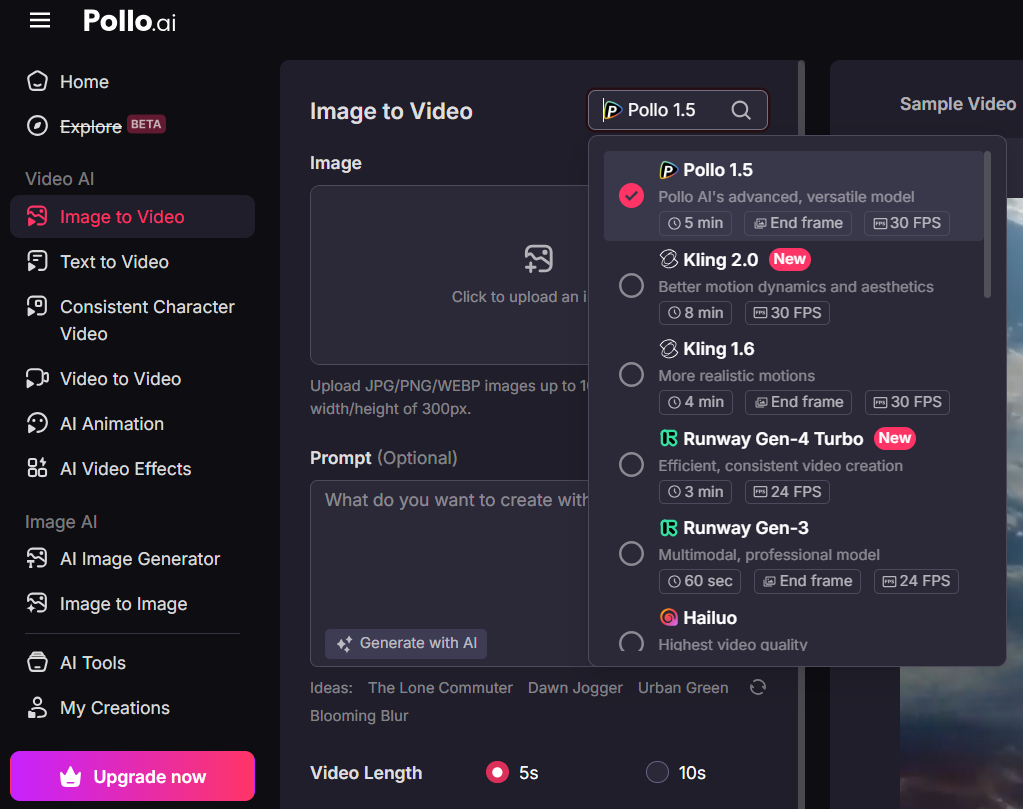
It is really an amazing function that makes it a preferred choice over Kling AI and we'll explain why below.
Image to Video
With TikTV.AI, your static image will become a touching story. Whether you use a cartoon image or photos of your loved ones, TikTV.AI will bring your imagination to life while ensuring that the original context of your images remains the same.
Besides choosing from multiple top video models, you can enjoy complete freedom when generating your videos. Not only can you customize the text prompts to suit your vision, but you can also control the video length, select prompt strength, choose between 2 different generation modes, etc.
This allows you to craft the perfect visual narrative that reflects your unique style and storytelling desires.
Conclusion
You can definitely try the solutions above when you encounter failure in using Kling AI’s own image-to-video function.
Also, as you have seen, TikTV.AI’s image-to-video feature is stunning so far but there is still an icing on the cake. You won't experience any issues like you do with Kling AI! So, when will you give TikTV.AI a try?