
MindVideo AI Video Generator
MindVideo is a creative AI tool designed for custom annotations and professional product visualization. Its AI video generator blends interactive drawing features with e-commerce animation to help you craft personalized, high-impact content. Try the MindVideo to enhance your storytelling today!
Key Features of MindVideo
Interactive Video Annotator: Draw, scribble, and add personalized hand-drawn elements directly onto your video frames.E-commerce Product Animator: Transform static product photos into professional-grade marketing videos with dynamic lighting.Contextual Audio Synthesis: Generate synchronized sound effects and background music that match your video’s atmosphere.Comprehensive Video Utility Toolkit: Access a versatile suite of tools to compress, cut, convert, and remove watermarks, ensuring your AI videos are perfectly optimized for any platform.
Interactive Video Annotator
MindVideo’s "Draw on Video" tool is a creative breakthrough for those who want to add a personal touch to their content. It allows users to freely scribble, draw shapes, or add annotations on top of their videos. This is perfect for educators highlighting key points or creators adding trendy, hand-drawn VFX and "doodle" aesthetics to their social media clips.

E-commerce Product Animator
The AI product video maker within MindVideo is designed to scale small businesses. By uploading a single photo of a product, the AI identifies the object's 3D structure and generates smooth camera movements—like orbits or slow pans—while adding professional studio lighting and realistic shadows.
| Reference Image | Output Video |
 |
Contextual Audio Synthesis
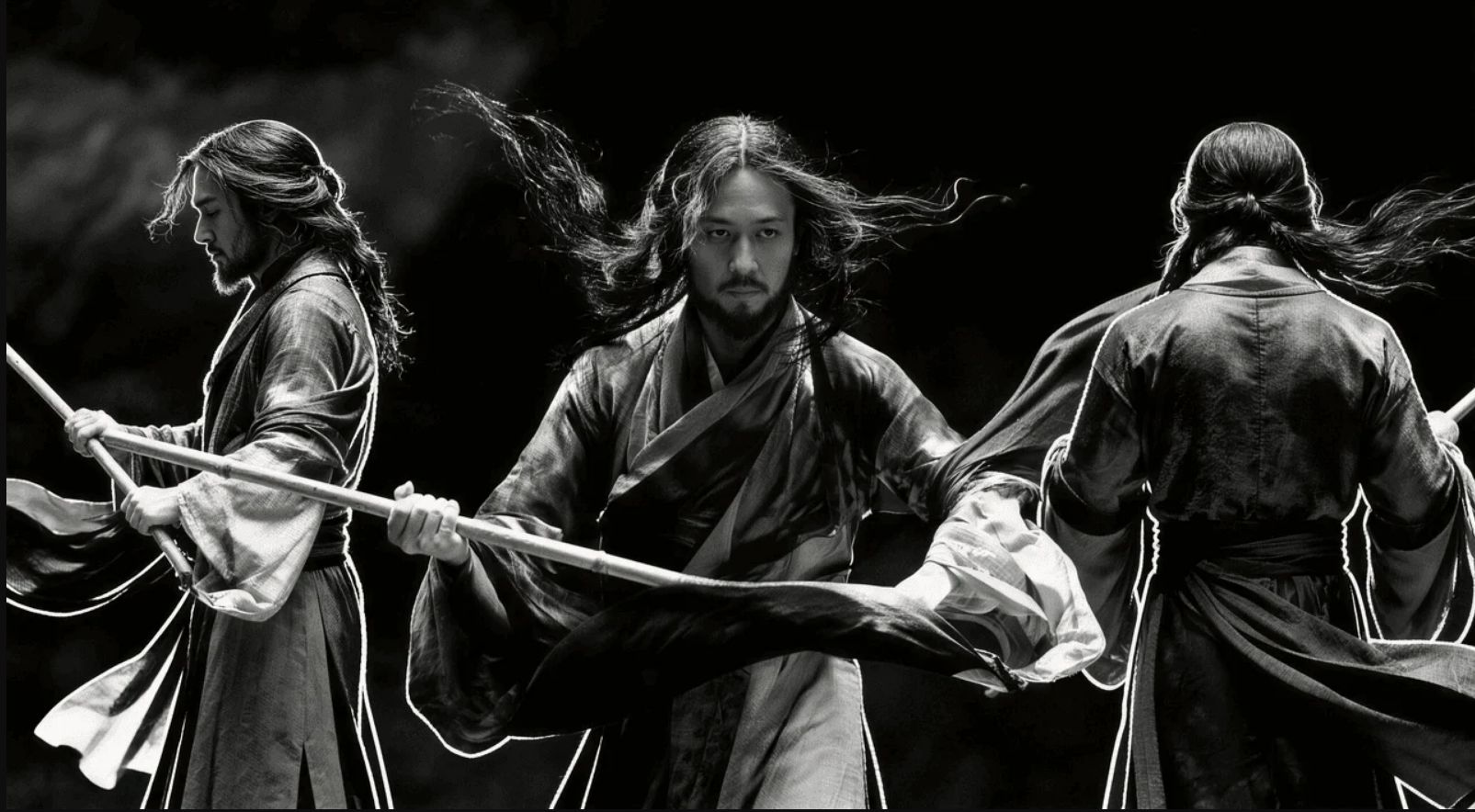
MindVideo removes the struggle of finding royalty-free music. Its native audio generation tool analyzes the visual elements—like wind, fire, or crowds—and synthesizes matching high-quality soundscapes. The audio is perfectly timed with the visual action for a professional finish.
| Reference Image | Output Video |
 |
Comprehensive Video Utility Toolkit
Beyond generation, MindVideo offers a "Versatile Video Editing" suite. This includes essential tools like a video compressor to reduce file size without losing quality, a watermark remover for clean visuals, and a video cutter to trim your AI-generated clips to the perfect length for social media.

How To Use MindVideo AI Video Generator on TikTV.AI
FAQs
What is MindVideo used for?
MindVideo is an AI video generator designed for creators who want to combine AI generation with manual creative tools like video annotation and product-specific animation.
Can I draw on my videos in MindVideo?
Yes, the ‘Draw on Video’ feature allows you to scribble, add images, and annotate your videos directly, which is ideal for tutorials and adding artistic flair.
Why choose MindVideo AI for my video projects?
MindVideo AI stands out for its ability to let you directly interact with video content through drawing, and its automated product showcasing significantly boosts efficiency and engagement for various video types.
Does MindVideo help with product marketing?
Yes, it features a dedicated product video maker that can turn a simple photo into a professional commercial with realistic lighting and camera motion.
Is it free to use MindVideo on TikTV.AI?
Yes, you can access the MindVideo AI video generator through the free trial on TikTV.AI, allowing you to explore its features before committing to a plan.