
Ever seen a photo and thought, “I wish it were shot from a different perspective”? At some point or another, we’ve all wished we could change the perspective of an image.
But oftentimes, either the moment is gone, or planning a photo reshoot would be impractical. Luckily, TikTV Angles can help change all that in just a few simple clicks.
You can get different camera shots from the same image without equipment, complex editing software, or being on-site! Eager to learn more about this tool and how to use it? Then read on.
What Does TikTV Angles Do?
TikTV Angles is an advanced AI tool that lets you adjust the camera angle in any photo, producing different perspectives of the subject in seconds.
In other words, you can rotate and reposition the camera view in existing photos using simple 3D controls, saving yourself hours of editing and high costs in tedious reshoots.
And the best part? Even with the changes, TikTV Angles preserves the photo’s original integrity, ensuring the subjects remain perfectly aligned and the depth of field looks natural.
This lets you freely explore and experiment with different camera angles to nail the best one for any creative project, even without professional design or editing skills.
For example, you can publish social posts in different angles to avoid repetitiveness or use multiple angles of product images to boost customer appeal across e-commerce pages.
Some popular uses of TikTV Angles include:
- Social Media Content: Create multiple angle variations from one photo to keep your posts dynamic and avoid repetitive visuals.
- E-commerce Product Images: Showcase products from different perspectives to boost buyer confidence and improve conversion rates.
- Creative Projects: Experiment with new camera views for design, marketing, or storytelling without professional editing skills.
- Photography Enhancement: Refine composition and explore alternative perspectives without organizing costly reshoots.
Now you know what TikTV Angles does! So, let’s look at how you can use it, step-by-step.
How To Use TikTV Angles on TikTV.AI?
You can explore different camera perspectives in any photo with just a few simple steps:
Step 1: Head to TikTV Angles
Go to the TikTV Angles page to start changing the camera view of your social photos, product images, etc.
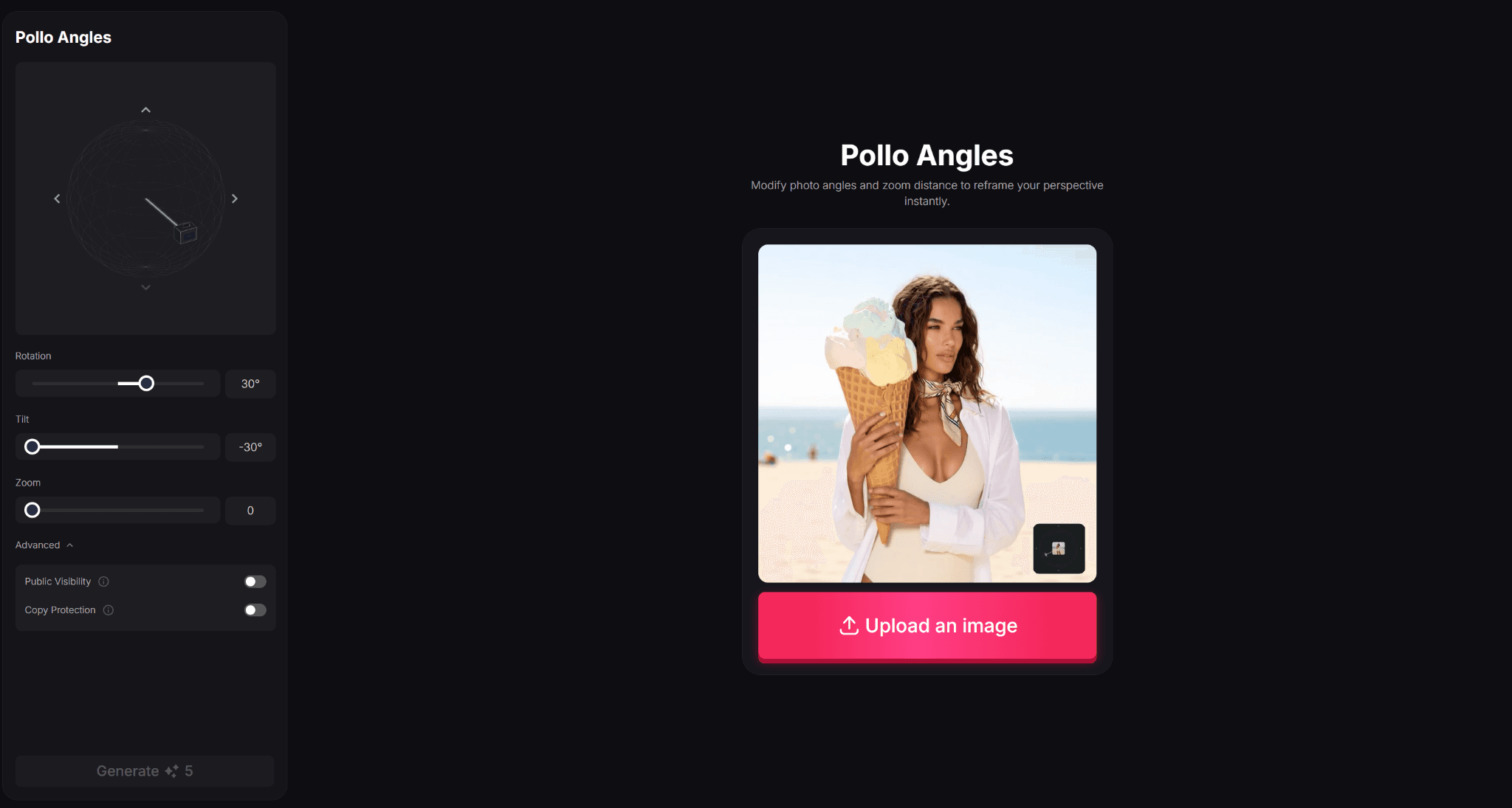
Step 2: Upload Your Image
Upload the photo you want to modify, and the tool will allow you to preview any camera angle changes you make in real-time.
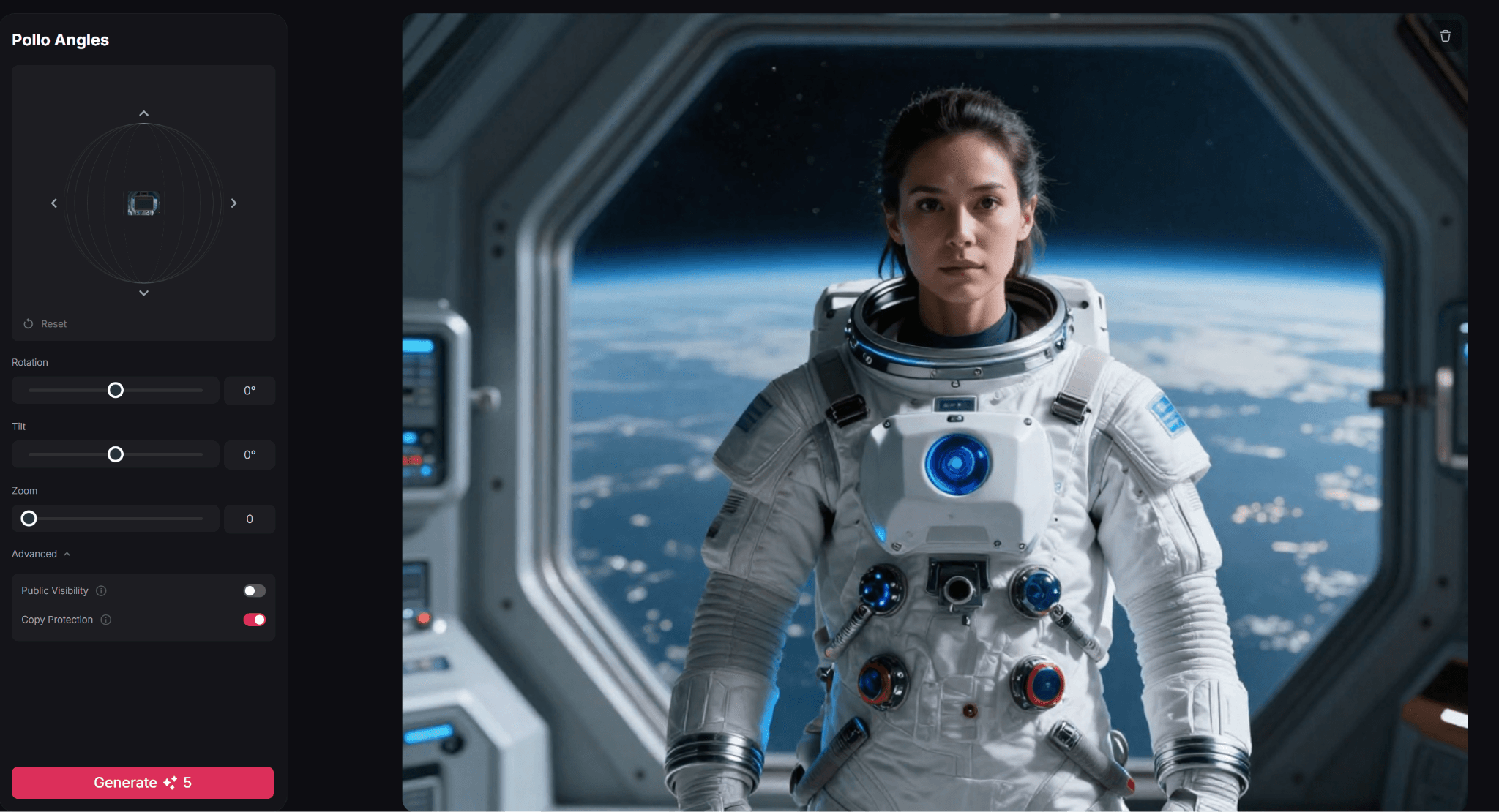
Step 3: Adjust Camera Angles
Hold and drag the 3D camera controller to set your desired angle or use the sliding controls to rotate, tilt, or zoom in specific degrees.
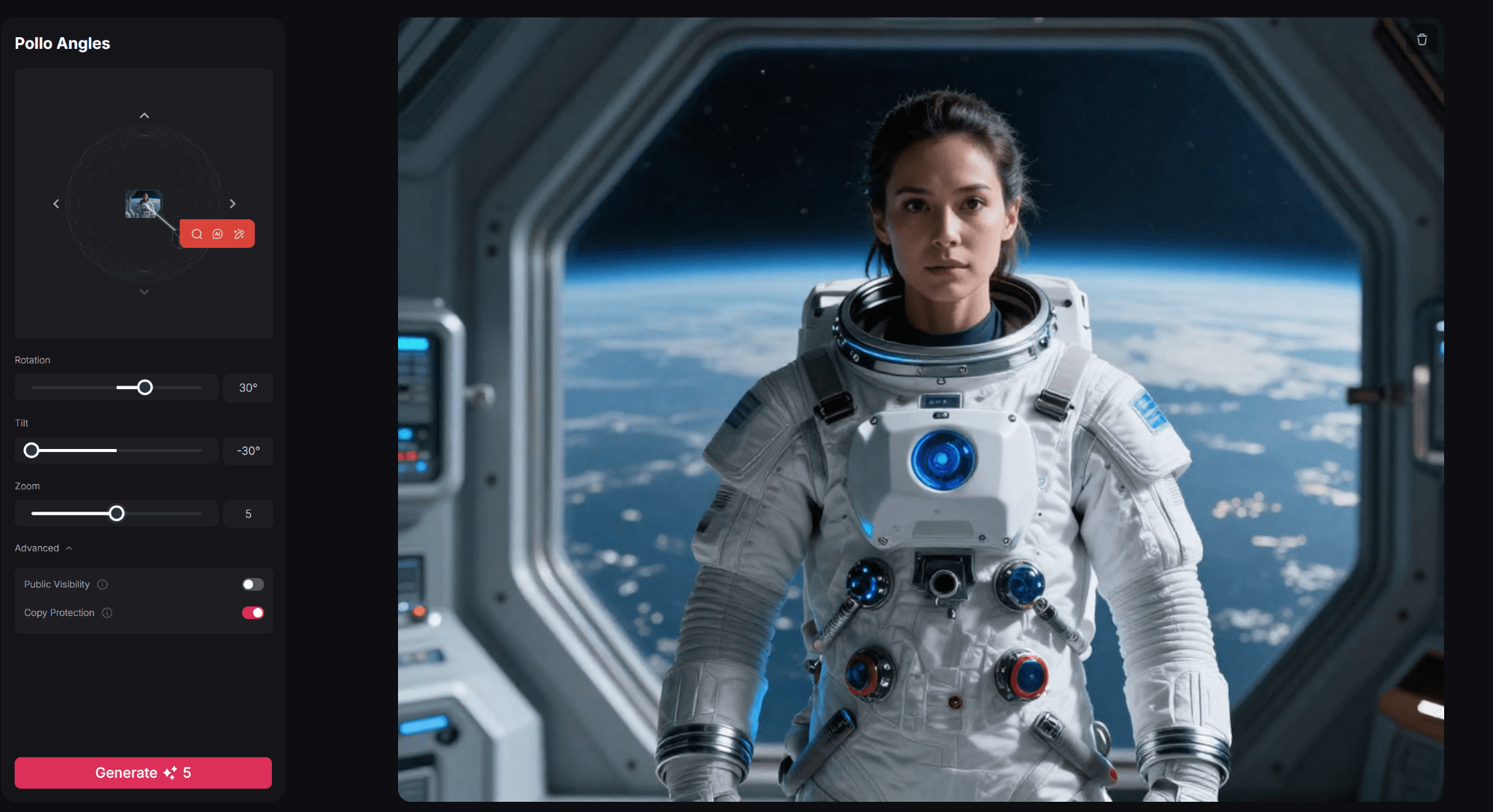
Step 4: Generate Your Image
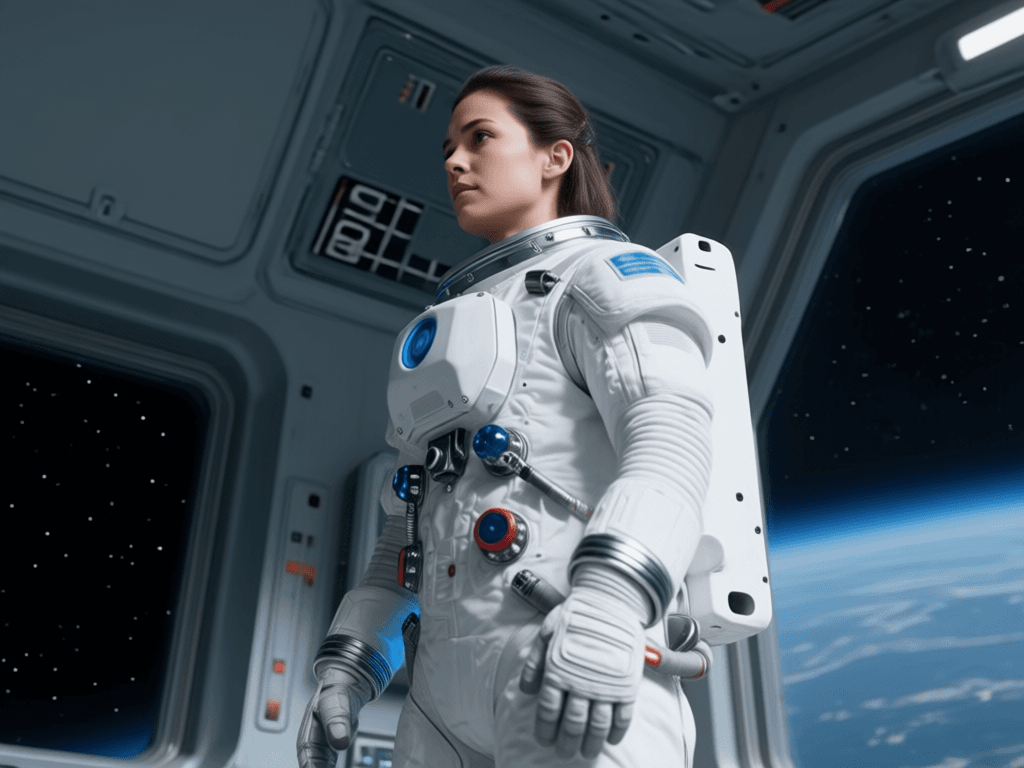
When ready, click ‘Generate’ and wait for your new image to be rendered. Within seconds, you can download and share it online with other audiences.
Key Features and Benefits of TikTV Angles
TikTV Angles gives you complete creative control over image perspectives. Here’s what makes it stand out:
Precision Angle Control with Dual Adjustment Modes
TikTV Angles offers two intuitive ways to fine-tune your image perspective. You can manually adjust the numeric angle slider for exact precision or drag the interactive angle wheel for more fluid, visual control. Whether you prefer accuracy or hands-on experimentation, the tool adapts to your workflow.
One-Click Angle Generation
After setting your desired angle, simply click generate to instantly create a new perspective. TikTV Angles processes your adjustment and delivers a refined result in seconds, making perspective changes fast and effortless.
No Equipment or Technical Skills Required
Forget tripods, reshoots, or complex 3D software. TikTV Angles simplifies perspective editing into a clean, user-friendly interface that anyone can use — from social media creators to e-commerce sellers.
Maintain Visual Consistency Across Projects
Generate multiple angle variations from a single image while keeping composition and subject positioning coherent. This makes it easy to create consistent visual assets for branding, marketing campaigns, and product showcases.
Conclusion
Long gone are the days of expensive reshoots and complex image editing. Now, you can get multiple camera angle shots from a single photo almost instantly. So, give TikTV Angles a try today and start looking at all your favorite moments from a whole new perspective, literally!