
Invideo AI Video Generator
Invideo AI is an AI video generator designed for speed and scale, allowing users to seamlessly create video content from text descriptions, complete with voiceovers, music, and transitions. With its latest developments in UGC video ad creation , Invideo AI offers creators, marketers, and businesses even more intuitive tools for ready-to-publish footage. Try using Invideo AI now!
Key Features of Invideo AI
AI Video Creation Workflows: Offers pre-set video generation templates for various use casesPrompt-Based Video Editing: Intuitively edit video content using simple text-based commandsTrendy Visual Effect Templates: Create viral-worthy clips using various trend-themed effects.Invideo AI Twins: Turn self-recordings or product links into multilingual, pro-level UGC-style clips
AI Video Creation Workflows
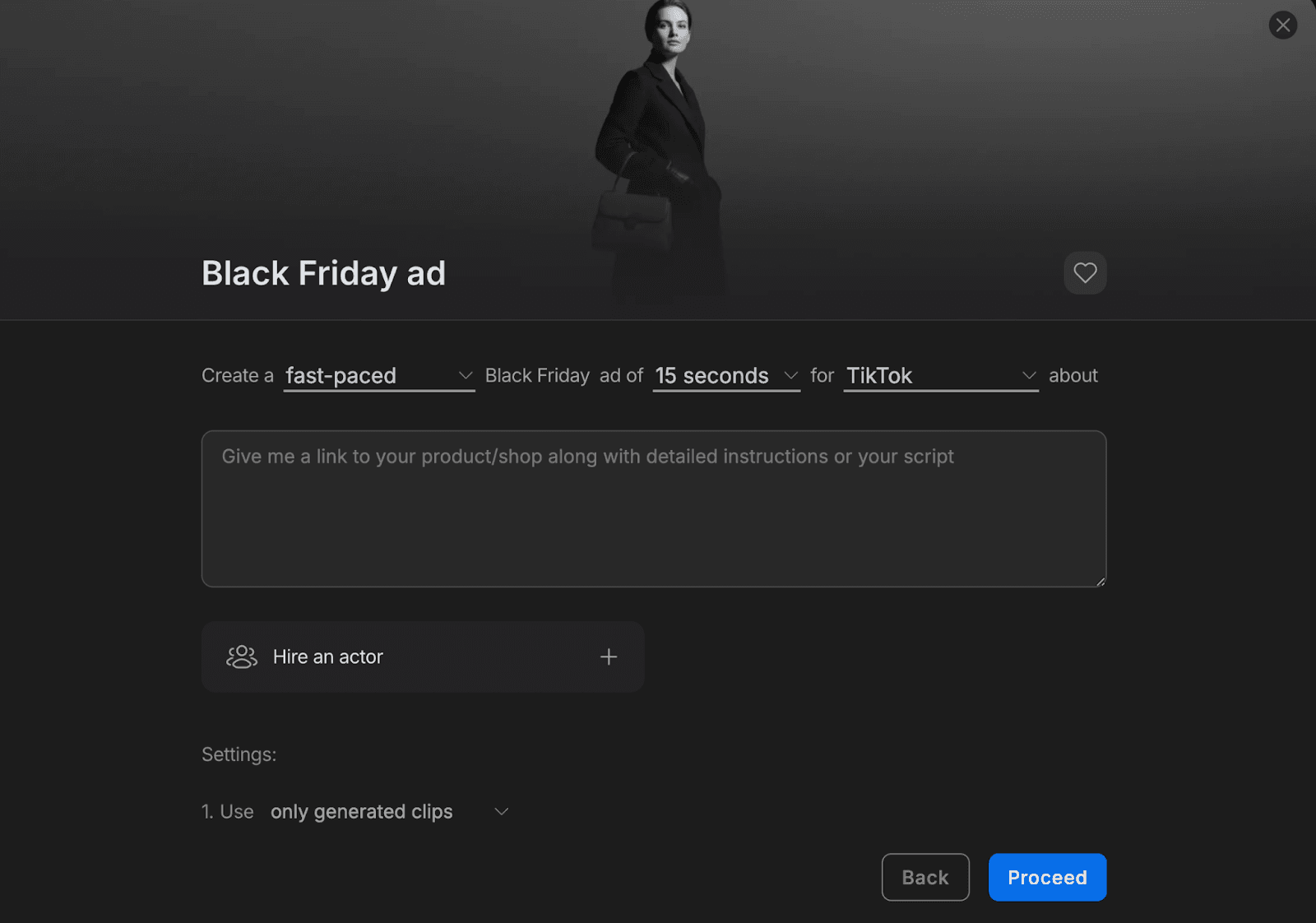
Invideo AI provides users with pre-set workflows that optimize video generation for specific purposes, such as Black Friday ads, Halloween promos, explainers, etc. Simply describe the video in detail before making one-click selections on duration, platform, background music, and other settings to jump straight into a publish-ready result.
Prompt-Based Video Editing
With Invideo AI, you can streamline video editing by using plain text prompts to implement changes and refine your output. All it takes is a basic command like “add captions”, “change style to anime”, or “delete intro scene” for any user with no prior video editing expertise to customize their footage with studio-grade results.
| Original Video | Prompt | Output Video |
| Add synchronized English captions at the bottom of the screen. |
Trendy Visual Effect Templates
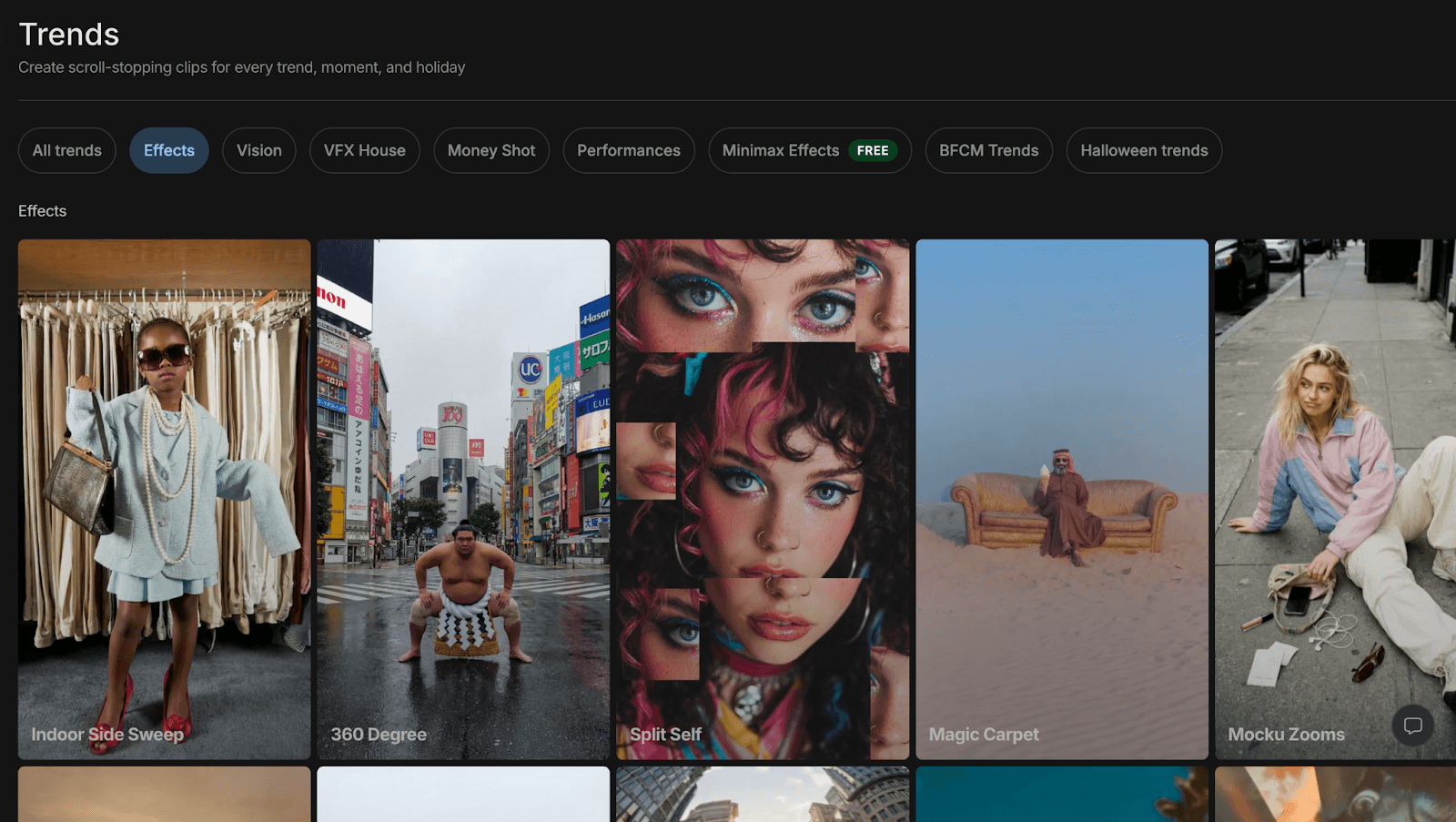
Invideo AI offers numerous VFX templates that users can instantly use in their creations to simulate high-end cinematography with no technical skills required. With dozens of options to choose from that include 360 Degree shots, Drone Sweeps, Freeze frames, Earth zoom-ins, etc, all it takes is a few clicks to create dynamic scenes that truly engage audiences.
Invideo AI Twins
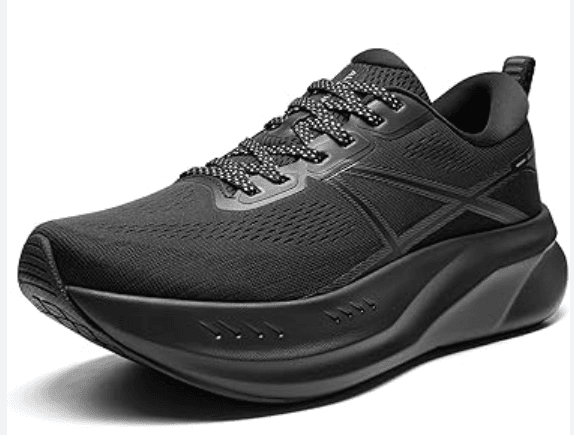
Invideo AI’s latest ”AI Twins” feature enables users to instantly create their own personal digital avatar by uploading a short video recording of themselves in any language. It can also create brand or product doubles by converting product images or links into publish-ready ad videos, allowing brands and marketers to scale campaigns without expensive production costs.
| Reference | Output Video |
 |
Why Invideo AI Outperforms Other AI Video Generators
High Fidelity Hybrid Visual Sourcing
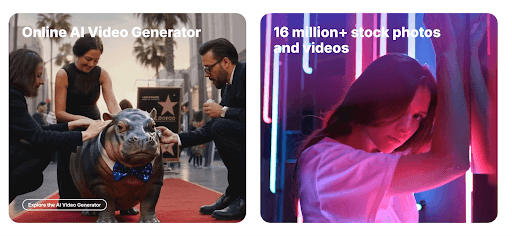
While purely synthetic AI models often suffer from visual "hallucinations" or distorted textures, Invideo AI utilizes a hybrid orchestration engine. It bridges the gap between generative intelligence and a massive library of 16 million+ premium stock assets from Shutterstock and Storyblocks.
Industrial Narrative and Directorial Intelligence
Most AI generators produce disjointed loops lacking logical flow. Invideo AI acts as a digital director, applying industry-standard Hook-Body-CTA structures to every project. By mapping the emotional arc into a pre-render storyboard, it ensures cinematic pacing and visual logic—making it the gold standard for high-retention YouTube automation.
Persistent Brand Identity Systems
High-volume production often dilutes brand image. Invideo AI maintains identity continuity via integrated Brand Kits, locking in logos, typography, and palettes across every generation. This ensures your visual DNA remains consistent at scale, transforming AI from an experimental tool into an industrial-grade production factory.
Digital Twin Deployment for UGC Scaling
Invideo AI’s Digital Twin technology enables massive content localization. By synthesizing high-fidelity avatars from a single recording, brands can deploy thousands of UGC-style ads in minutes. Beyond basic lip-syncing, it preserves human emotional nuance across multiple languages, making personalized video outreach financially viable at an enterprise scale.
Conversational Precision and Natural Language Editing
Professional AI workflows often lack "surgical" control. Invideo AI bridges this gap with a conversational editing layer, allowing for real-time refinements via natural language. Instead of re-generating, simply command the AI to "swap a clip" or "shift the tone." This provides creative sovereignty without the manual timeline fatigue.
Invideo AI vs Pictory vs Artlist.io
The table below breaks down the core distinctions between these industry leaders to help you choose the right tool for your specific production workflow.
| Feature | Invideo AI | Pictory | Artlist.io |
| Core Workflow | Script-to-Video Orchestration | Long-form Content Repurposing | Manual Asset Integration |
| Library Depth | 16M+ Professional Stock Assets | Limited General Library | Elite Cinematic Footage/Music |
| Control Layer | Conversational AI Commands | Text-based Transcript Editing | Traditional Manual Timeline |
| Narrative Logic | Storyboard-driven Director AI | Summarization-driven AI | Human-led Creative Design |
| Scaling Tech | Multilingual AI Twins & UGC | Short-form Social Clips | Asset-based Production |
| Primary Value | High-volume, Brand-safe Ads | Efficient Blog-to-Video | High Production Value Media |
How To Use Invideo AI Video Generator on TikTV.AI?
FAQs
What is Invideo AI?
Built for high-impact, low-effort video creation, Invideo AI is an AI video generator that enables users to produce and edit full visual narratives using simple text prompts. Whether it’s short films, social media clips, marketing ads, explainers, etc, anyone can instantly refine vague ideas into publish-ready scenes without expertise or production teams.
What makes Invideo AI unique?
Invideo AI is optimized for swift and efficient video generation, which is evident in its numerous VFX templates, pre-set AI video workflows, and access to custom digital presenters. This makes it a solid choice for users looking to craft shareable, studio-grade video content in minutes and keep scaling.
Can I use Invideo AI for free?
Yes. You can access Invideo AI on TikTV.AI via the free trial plan. Once you sign up for an account, you’ll be gifted with limited credits to generate videos at no cost. When the credits run out, you can replenish them by subscribing to one of our paid plans.
Does Invideo AI create with stock media or generative media?
You can freely choose between the two options before generating any video with Invideo AI. Moreover, you can edit any generated videos and replace selected scenes with stock or generative media as you see fit, giving you more creative flexibility in your video projects.
Can I generate videos with audio using Invideo AI?
Yes. You can browse through Invideo AI’s model library to access models like Sora 2, Kling 2.6, or Veo 3 that support native audio. Invideo AI also has a stock library of preset voiceovers to choose from, or you can create voice clones by uploading an audio recording of yourself.
Which visual styles does Invideo AI support?
You can generate videos in any visual style by simply specifying it in your descriptive text prompts. Feel free to produce high-quality footage across unique styles like cinematic, anime, 2D animation, comic illustrations, cyberpunk, fantasy, claymation, steampunk, and others.