PixVerse V3
PixVerse V3, launched on Oct 29, 2024, is a significant update to the AI video generation platform, enhancing its ability to understand user prompts and respond accurately. This version introduces exciting new features, including a lip-sync function, upgraded styles, and impressive special effects. Try it for free below!
Key Features:
More Intelligent Prompt Responses: Understand and interpret better the most complex and detailed prompts.
Support for a Range of Aspect Ratios: Take your pick from a range of video aspect ratios, including 16:9, 9:16, 3:4, 4:3, and 1:1.
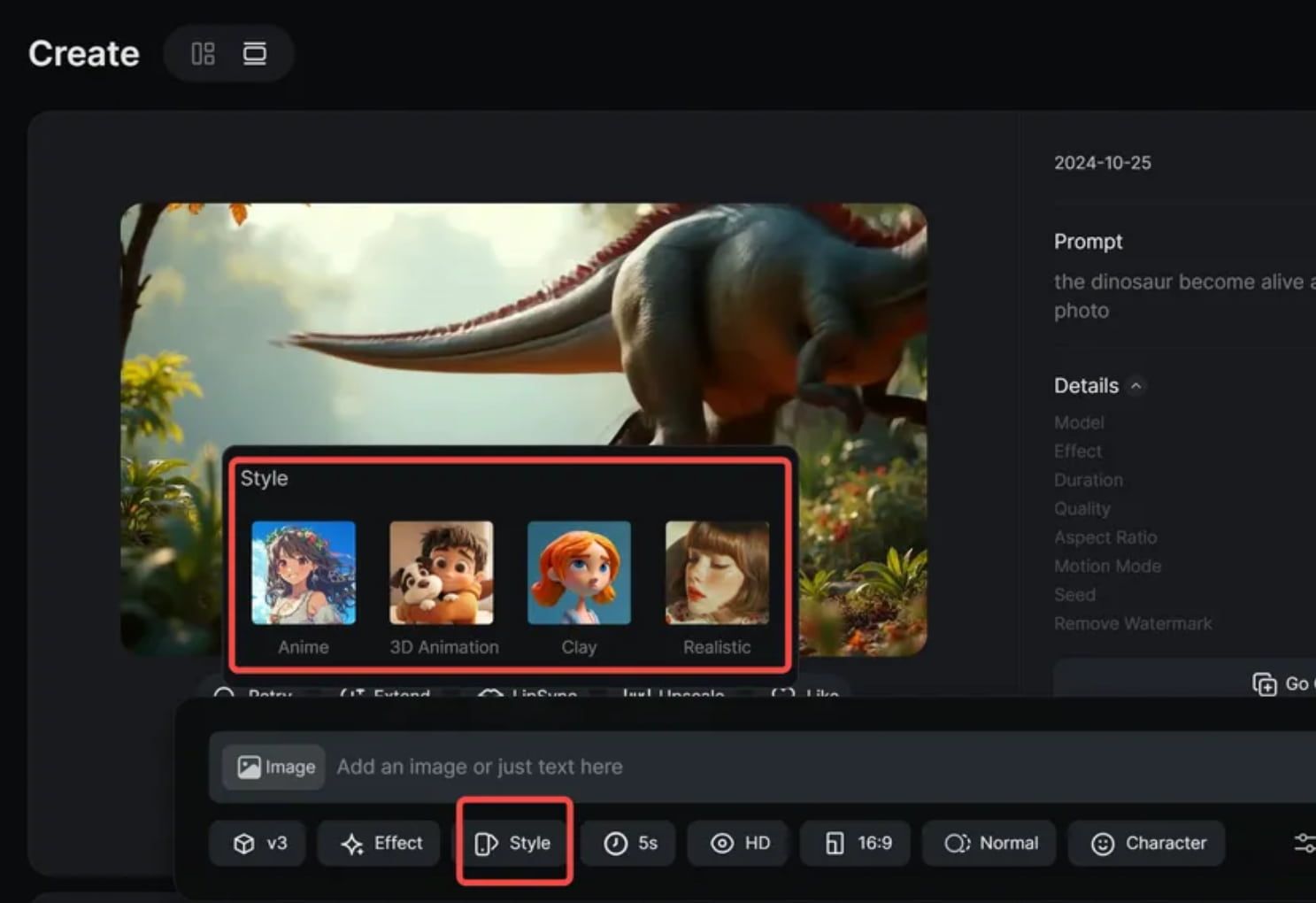
A Myriad of Video Styles: Create AI videos in a range of different styles: Anime, Realistic, Clay, and 3D.
Exciting New Lipsync Feature: Add text or even upload audio files to work together with your videos, and PixVerse will sync the lips of your characters to match the desired audio.
Special Effects Galore: Get creative with 8 exciting special effects, including Zombie Transformation, Wizard Hat, Monster Invasion, etc
Extend Videos in One Click: Generate an extra 5 to 8 seconds of content to add on to your video, and you're in control of what the content looks like.
More Intelligent Prompt Responses
One of the best additions with PixVerse V3 is its ability to understand user prompts better than before. Compared to V2.5, it can figure out exactly what kind of video the user wants to generate, even with relatively complex, layered, or detailed prompts, in order to respond more precisely and efficiently.
Thanks to this, when you're working with PixVerse V3, you can go ahead and use quite complicated text prompts without having to worry about the tool failing to understand them. Plus, you can include specific camera angles, movements, and intricate details in your prompts to get exactly what you want, without having to compromise.

Produces Videos in Different Aspect Ratios
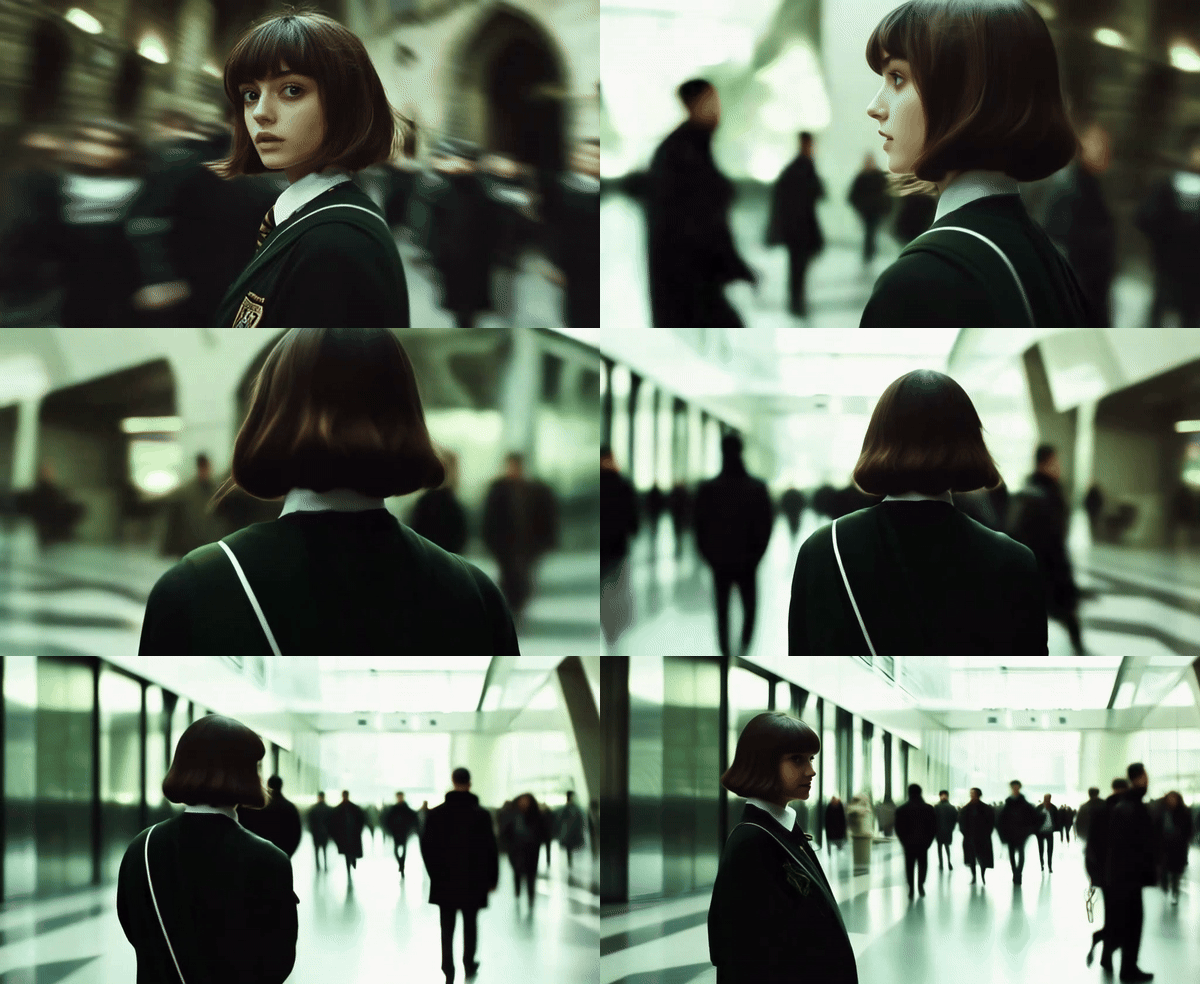
With PixVerse V3, you can now generate videos in a wide range of different aspect ratios, or sizes. You can choose between 16:9, 9:16, 3:4, 4:3, and 1:1 with this platform. As such, it's very versatile and ready to help you make video content for websites, TV playback, social media, phones, and more.
More Video Styles Than Ever
PixVerse V3 is designed to appeal to as many users as possible by letting them create videos in as broad a range of styles as possible. That includes the full spectrum from cartoonish-style videos right up to super lifelike ones. Here are just some of the included video styles you can play around with in V3:
Anime: Inspired by Japanese-style animated stories. This style is defined by lots of colors and vivacity, perfect for telling stories and capturing the attention of the audience.
Realistic: This style is all about being as lifelike as possible, perfect for cinematic-grade videos or professional video creations.
Clay: With this style, the subjects of the video look like they're made from clay or dough, producing a lighthearted, amusing kind of atmosphere.
3D: The 3D mode introduces extra depth and definition to subjects and elements within each video, for a more immersive end product.
With so many different video styles to choose from in PixVerse V3, it has become a more versatile and flexible tool than ever before. Users can make anything from colorful animes to realistic product adverts.
Lipsync Feature
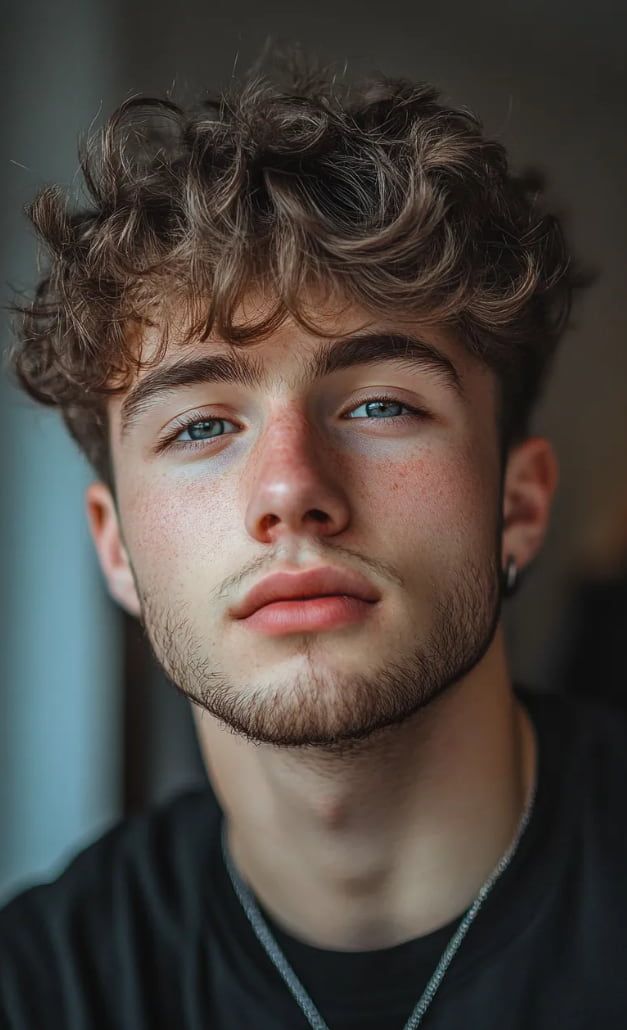
Lipsync is one of the biggest and best features of PixVerse V3. As the name implies, it's designed to help you add audio (like voices) to your videos that syncs up with the lip movements of the people in the videos, so it looks as though they're actually talking with realistic movements.
The feature supports a wide range of languages, including English, Chinese, French, and Japanese, making it versatile for global content creation.
Users can create videos up to 30 seconds long, providing ample time for short-form content.
PixVerse V3's Lipsync is compatible with various audio types, including speeches, music, and even operatic performances, offering creators flexibility in their audio choices.
To use this feature, users simply have to upload a picture, ideally showing a single person for best results. They can then add the text of what they want the person to say or even upload a separate audio file containing the desired speech. The AI can then understand that and sync up the speech with the lip movements of the person.
Even better, Lipsync automatically adjusts the length of your video to fit the audio you're working with. So, if you upload a 5-second audio clip, for example, it'll make a 5-second video to fit that. And there are lots of possible uses for this, such as for making tutorial videos, product demos, or just videos that are more immersive and engaging with custom audio to match the visuals.
Exciting and Creative Special Effects
PixVerse V3 also introduces a range of special effects that let users upload images and then transform or animate them in various ways. Like adding a magical wizard's hat onto a person's head or seeing a monster invasion scene play out inside an old family photo. The list of effects is varied and includes:
Zombie Mode: Turn people into "living dead" versions of themselves. It also works with animals.
Wizard Hat: Produces a magical hat on the head of a person in a photo, making them look like a sorcerer or witch.
Monster Invasion: Adds a monster to a scene, so you can create spooky and frightening videos from still images.
Lego Blast: Creates an animation that makes it look like the subjects of a photo have turned into Lego pieces and been blown up.
Leggy Run: Lets you add legs onto inanimate objects, like appliances or devices, and watch them run away.
Make Videos Longer
Another new feature of PixVerse V3 is called "Extend" And, just as it sounds, this feature is used to make videos longer by generating additional content to either add-on at the end or to introduce more depth in the middle of the scene. You can add up to eight seconds (or a minimum of five) of new content to your videos with Extend.
A static shot of a woman in a painting suddenly comes to life. With a wicked smile, she pulls out a machine gun and begins firing directly at the camera, muzzle flashing with intense bursts of fire.
Last 5 Seconds:
In the same static shot, the woman carefully puts away her gun. She takes her sunglasses with both hands, slowly puts them on, and delivers a cool, confident smile to the camera.
PixVerse V2 vs V2.5 vs V3 vs V3.5
Video Reviews
More Reviews on X
二時にんじん にんじんテーマパークへ行こう!にんじん曲:#SunoAI動画:#PixVerse V3 pic.twitter.com/hcRX3shVrz — 美咲 (@patata1216) December 13, 2024
二時にんじん にんじんテーマパークへ行こう!にんじん曲:#SunoAI動画:#PixVerse V3 pic.twitter.com/hcRX3shVrz
FAQs
What is PixVerse V3?
PixVerse V3 is an advanced AI video generation model of PixVerse. It enhances the tool's ability to understand complex user inputs and features a new lip-sync function that synchronizes audio with lip movements. Users can generate videos in various styles, including Anime, Realistic, Clay, and 3D, and utilize special effects like Zombie Mode and Monster Invasion to add creativity to their projects. PixVerse V3 supports multiple aspect ratios with an Extend feature for adding extra content.
What video styles are available in PixVerse V3?
PixVerse V3 offers four unique video styles: Anime (colorful and vibrant), Realistic (lifelike cinematic quality), Clay (playful dough-like appearance), and 3D (with added depth and definition).
What aspect ratios are supported by PixVerse V3?
PixVerse V3 supports multiple aspect ratios including 16:9, 9:16, 3:4, 4:3, and 1:1, making it versatile for different platforms like social media, websites, and mobile devices.
What is the lipsync feature of PixVerse V3?
The Lipsync feature allows users to add audio to videos, synchronizing lip movements with speech. It supports multiple languages including English, Chinese, French, and Japanese, and works with various audio types like speeches, music, and operas.
What special effects are available in PixVerse V3?
PixVerse V3 offers eight creative effects, including Zombie Mode, Wizard Hat, Monster Invasion, Lego Blast, Leggy Run, Alive Art, Squish It, and Zombie Hand.
How intelligent are the prompt responses of PixVerse V3? How Does It Compare to PixVerse V3.5?
Compared to V2.5, PixVerse V3 has significantly improved prompt understanding, allowing users to input complex and detailed prompts with greater precision and efficiency. However, while V3 has introduced these enhancements, it still falls short when compared to the latest version, PixVerse V3.5. The advancements in V3.5 further refine prompt responses, making it even more adept at interpreting user inputs and generating high-quality outputs.
Try PixVerse V3 for Free Today!
Access PixVerse V3's full features and tools here for free on TikTV AI!