
Higgsfield AI Video Generator
Higgsfield AI is an AI video generator that gained over 11 million users in just 5 months of launch. It stands out by making text prompts inessential via ‘click-to-video’ production. Built for creators, marketers, and brands, it offers advanced camera motion control, VFX capabilities, and 7,000+ ready-made presets for producing short dynamic clips. Try using Higgsfield AI now!
Key Features of Higgsfield AI
Instant Click-to-Video Generation: Create cinematic clips with a single click, no text neededAI Video Model Aggregator: Integrates industry-leading AI video models like Sora 2, Veo 3, etcAdvanced Camera Motion: Create dynamic footage with specialized camera movementsCinematic Visual Effects: Experiment with unique VFX options for imaginative visual narrativesSketch-to-Video: Produce fully animated cinematic scenes from sketch artHiggsfield AI Ads: Access ready-made ad presets for brand marketing, product showcasing, etc.Higgsfield Speak: Generate expressive, talking AI avatar videos from any subject image.
Instant Click-to-Video Generation
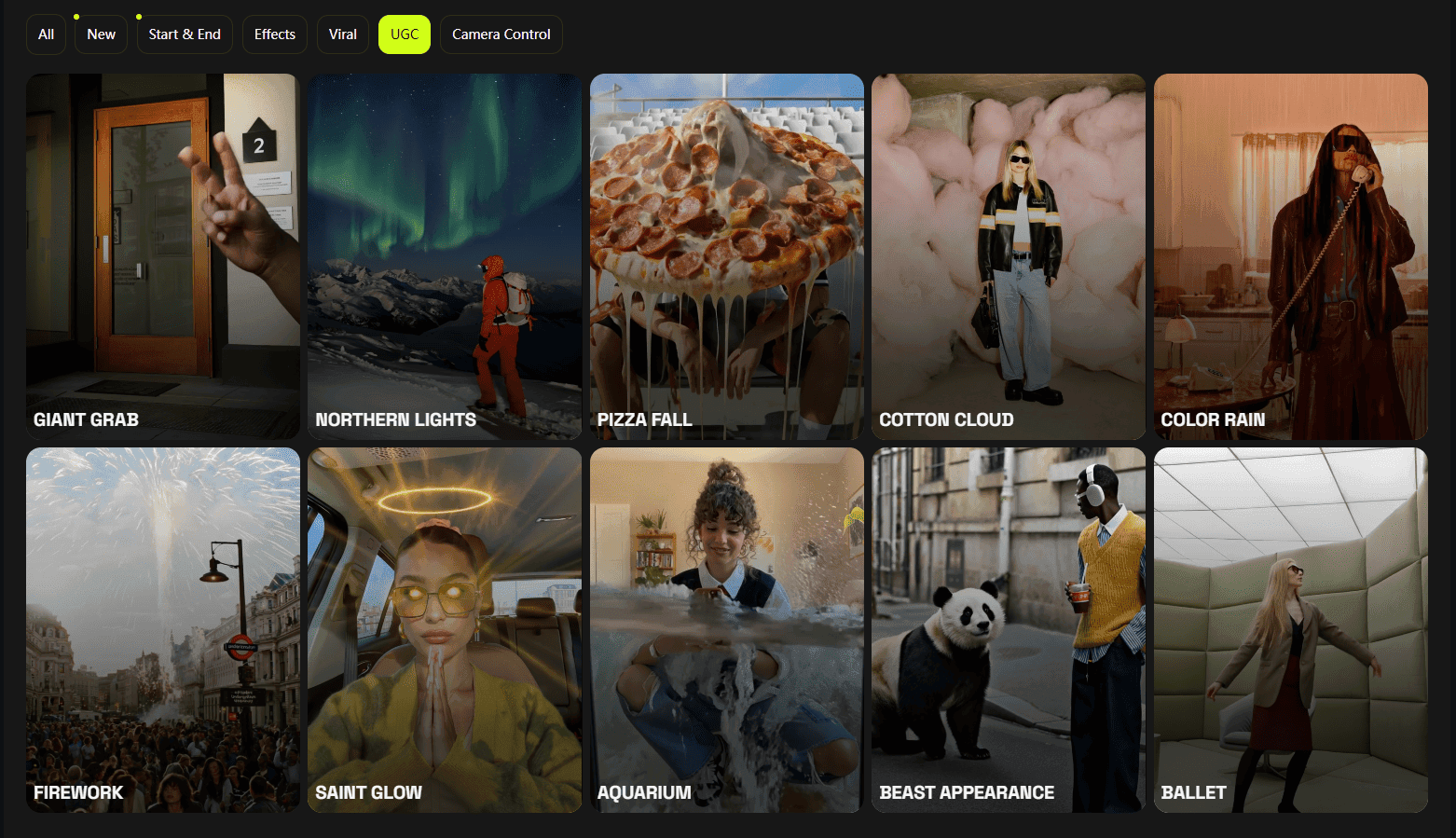
Higgsfield AI’s innovation lies in its unique click-to-video capabilities that allow users to instantly generate incredibly dynamic videos of up to 5 seconds using curated presets. With over 7000 trend-aware templates, all it takes is one click to produce ready-to-share content that can go viral online, eliminating any need for text prompts or making complex video edits.
| Reference Image | Output Video |
 |
AI Video Model Aggregator
Besides its own proprietary AI models, Higgsfield AI is integrated with other best-in-class AI video generation models such as Sora 2, Veo 3, Kling AI, Wan, and Seedance, among others. This enables users to experiment and/or take a more targeted approach to video creation, be it for native sound control, multi-shot storytelling, lifelike character motion, etc.
| Reference Image | Output Video |
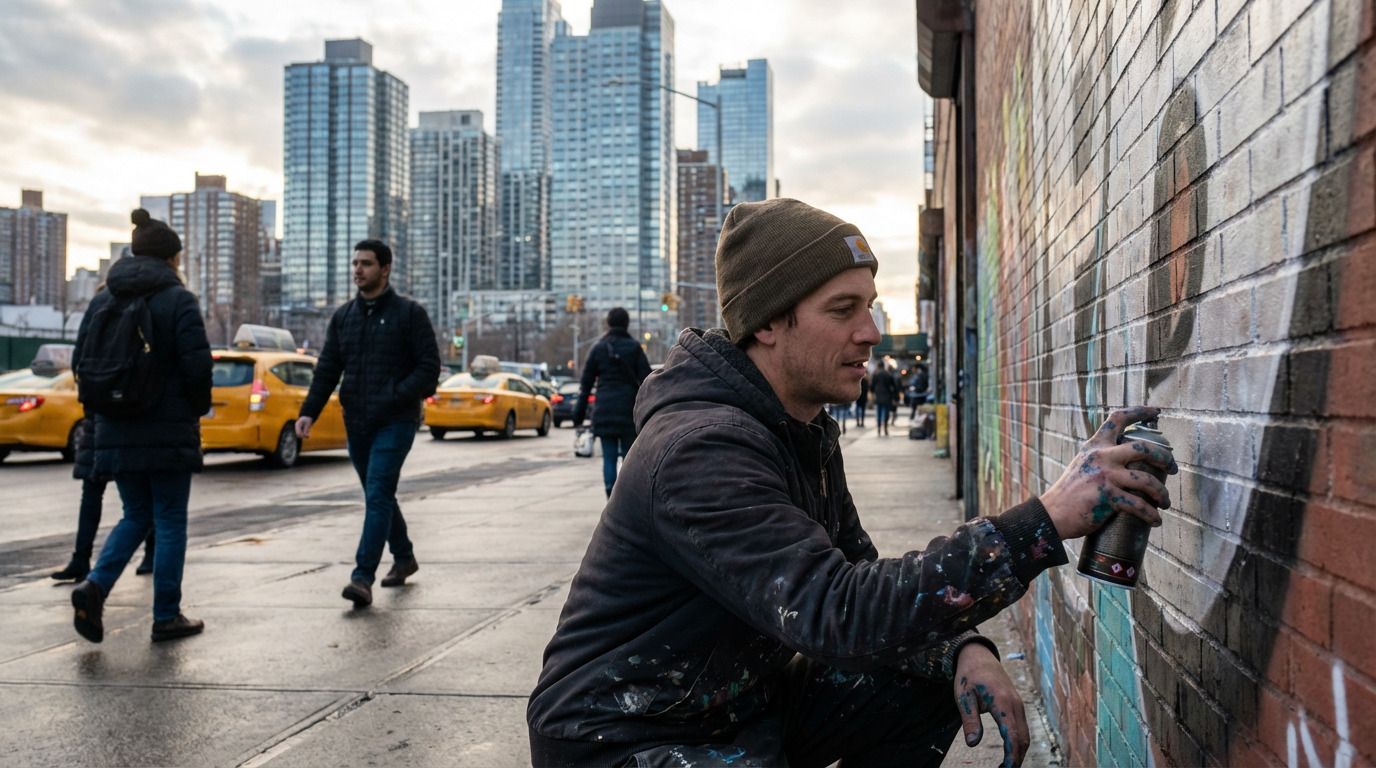 |
Advanced Camera Motion
With a huge focus on providing its users with advanced cinematic control, Higgsfield AI allows users to direct short visual narratives across a wide range of camera perspectives. You can explore unique shots such as FPV drones, crane ups, 360-degree orbits, dolly zooms, and more for truly unique and dynamic visual storytelling.
| Reference Image | Output Video |
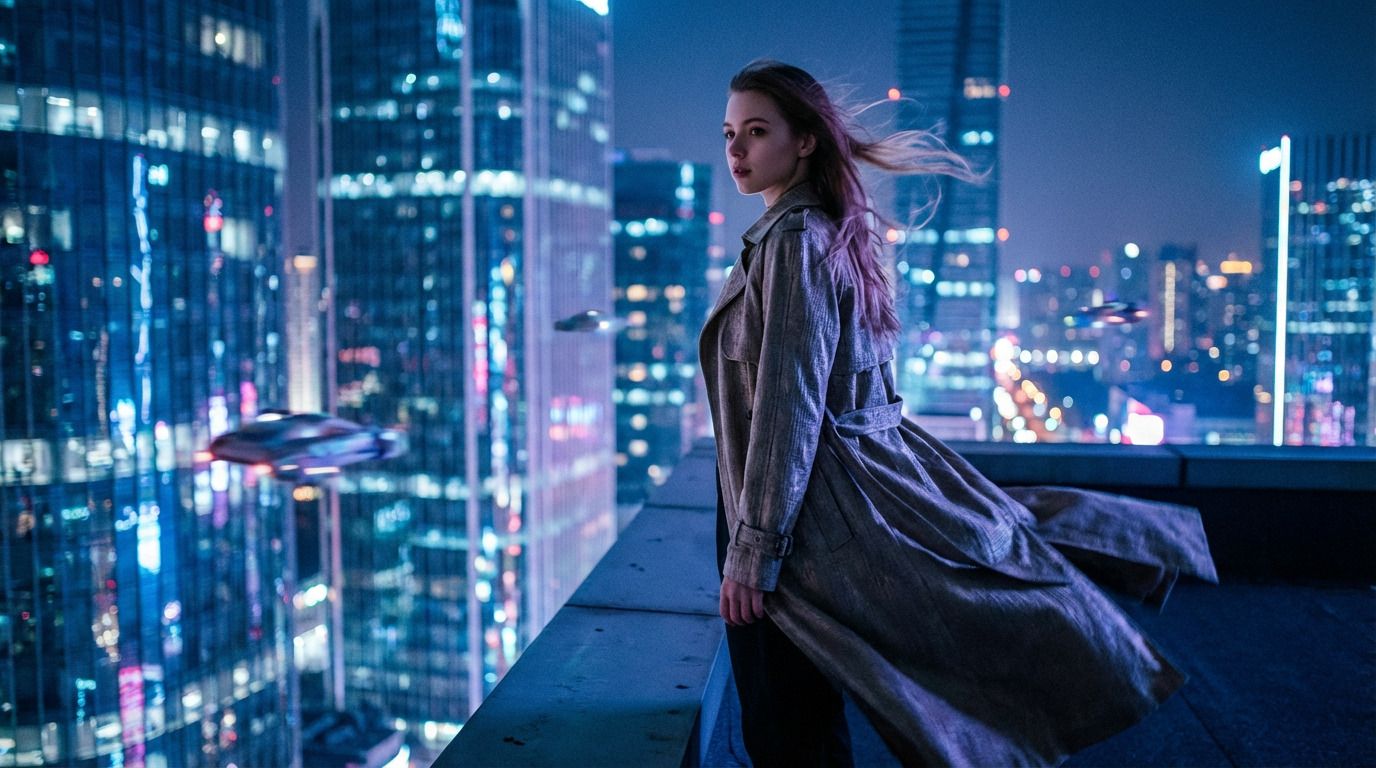 |
Cinematic Visual Effects
Another core feature of Higgsfield AI is its ability to render visual effects scenes with incredible realism, allowing anyone to produce cinematic-grade visuals with one click, no advanced video editing required. For instance, users can creatively direct visual explosions, character transformations and more, all with studio-level results.
| Reference Image | Output Video |
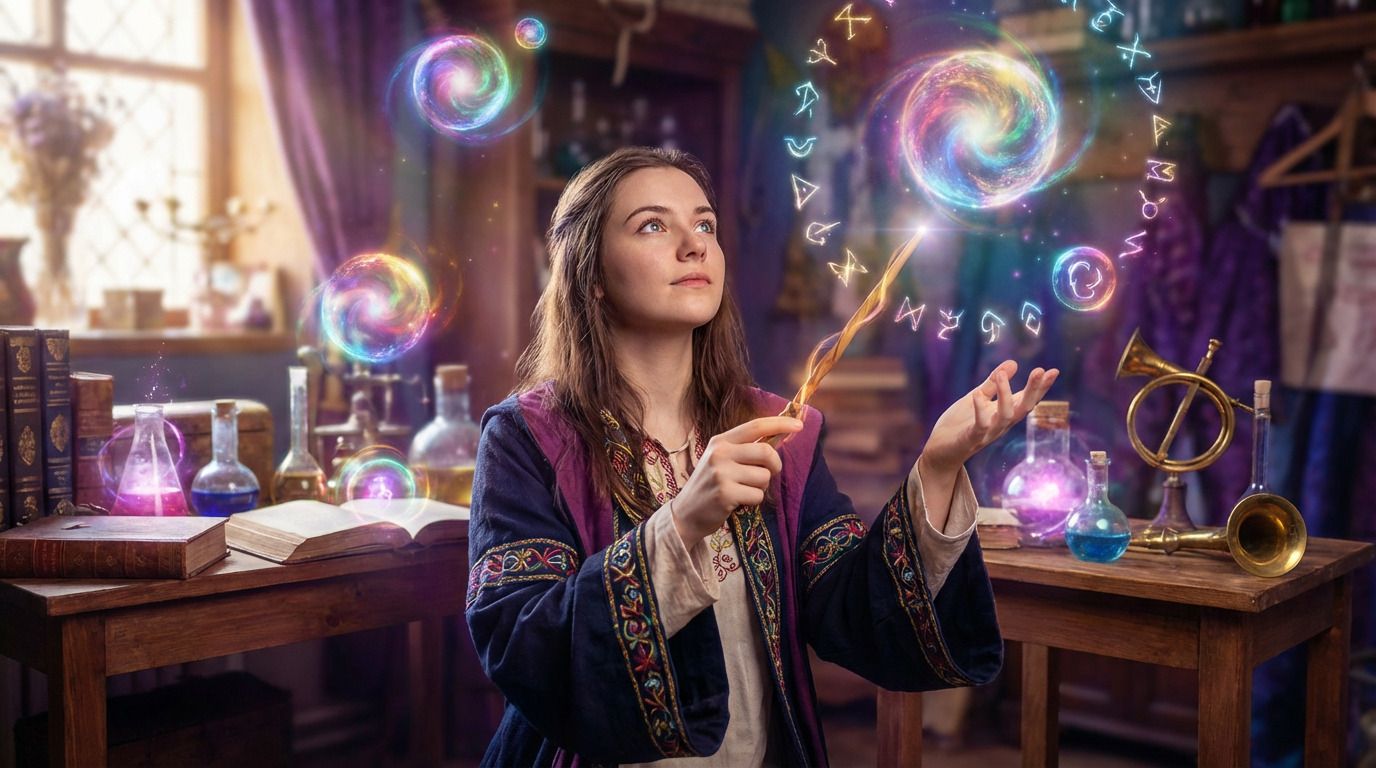 |
Higgsfield Sketch-to-Video
With its unique sketch-to-video capabilities, Higgsfield AI enables users to bring static drawings to life, complete with detailed visuals, lifelike character motion, and preset-based audio. This opens new creative possibilities for imaginative storytelling by enabling anyone to effortlessly turn single sketches or full doodle storyboards into cinematic scenes with one click.
| Reference Image | Output Video |
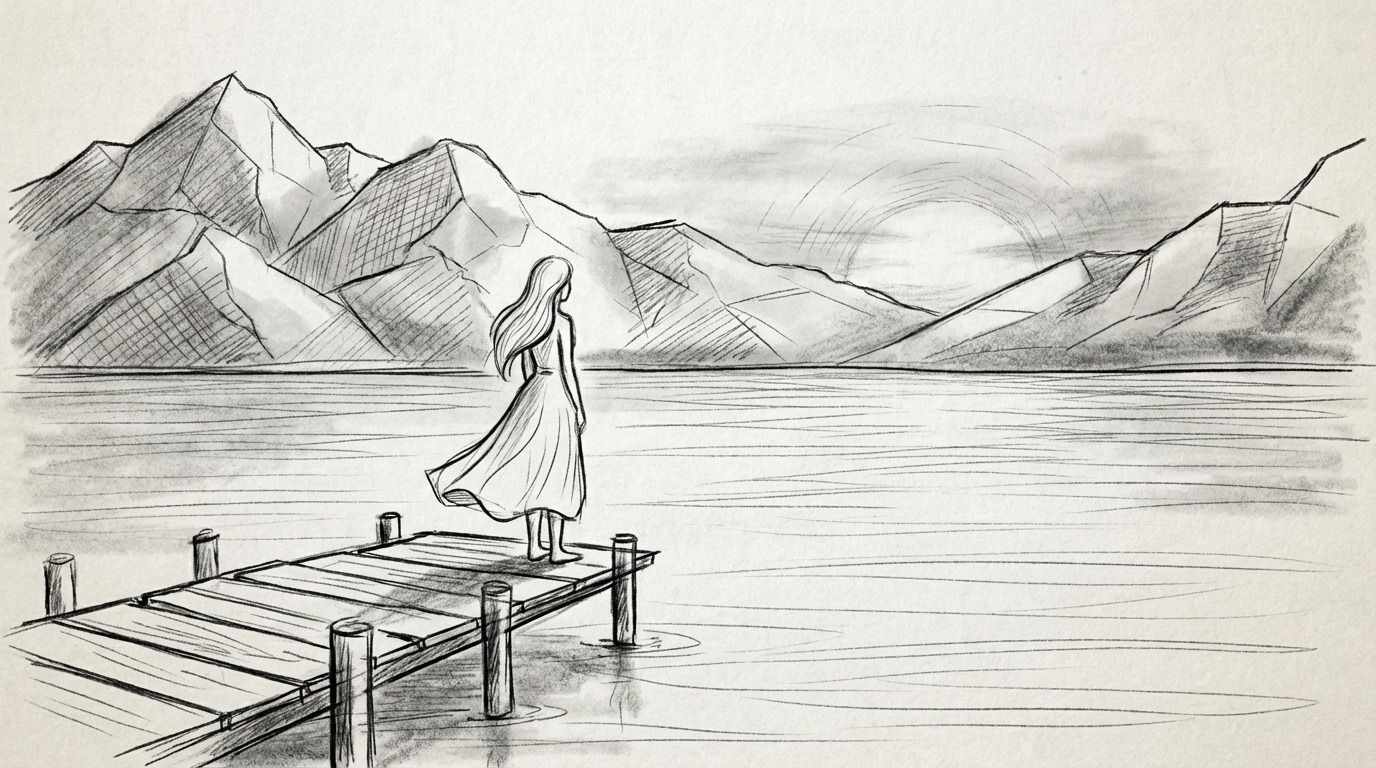 |
Higgsfield AI Ads
The Higgsfield AI ads feature lets users create cinematic and UGC-style ad videos from a single product photo in one click using ready-made ad presets. This means cheaper and faster ad content creation that rivals traditional production, creating opportunities for brands, marketers, and advertisers to quickly A/B test video campaigns and scale more efficiently.
Higgsfield Speak
Higgsfield AI can be used to create talking-head AI avatar videos from static character images in minutes. Users can expect realistic head movements, emotionally expressive facial cues, and natural lip-syncing that matches any script or uploaded audio for a lifelike performance that resembles any live recording.
| Reference Image | Output Video |
 Use the office character image to create a dynamic video. Character speaks naturally, mouth movements sync with voice, expressions and eyes change with speech, lighting subtly shifts with camera, smooth pacing, suitable for work or presentation scenarios. |
Curious how it performs? Read our Higgsfield AI review.
How To Use Higgsfield AI Video Generator on TikTV.AI
FAQs
What is Higgsfield AI?
Designed for creative professionals, Higgsfield AI is an AI video generator that enables users to produce dynamic video content with one click using curated presets. Instead of guessing the right text prompt, you can just upload an image, pick a visual template, and get a professional-grade, cinematic clip instantly.
Why choose Higgsfield AI?
Higgsfield AI makes fast and effortless cinematic video creation possible for anyone. With over 7000+ creative presets, you can produce incredibly dynamic video clips with unique camera movements and advanced VFX in minutes, even as a beginner with no video editing expertise.
Can I use Higgsfield AI for free?
Yes. You can use the Higgsfield AI video generator on TikTV.AI via the free trial plan. Simply sign up for an account, and you’ll get limited credits to start generating videos at no cost. However, once they run out, you will need to subscribe to a paid plan for more.
How do I render a scene from scratch with Higgsfield AI?
To generate a full visual scene from scratch, you can simply use the text prompt box. Just describe the scene you have in mind, and Higgsfield AI will generate it. Try to be as detailed as possible, but feel free to keep refining your prompts until you are satisfied with the final result.
What is the maximum video duration on Higgsfield AI?
Higgsfield AI is purely built to create short-form videos of up to a maximum of 5 seconds. In this respect, it is best suited for professional creators, marketers, and businesses looking to produce dynamic and shareable clips like concept trailers, promotional clips, product showcases, etc.
Will I need to edit anything if I create videos using a preset?
Not at all. Once you upload a subject image and select a preset from Higgsfield AI’s library, all you need to do is click generate. The original image will be automatically animated by the tool, so no manual video editing is required at any stage to get the cinematic footage you want.