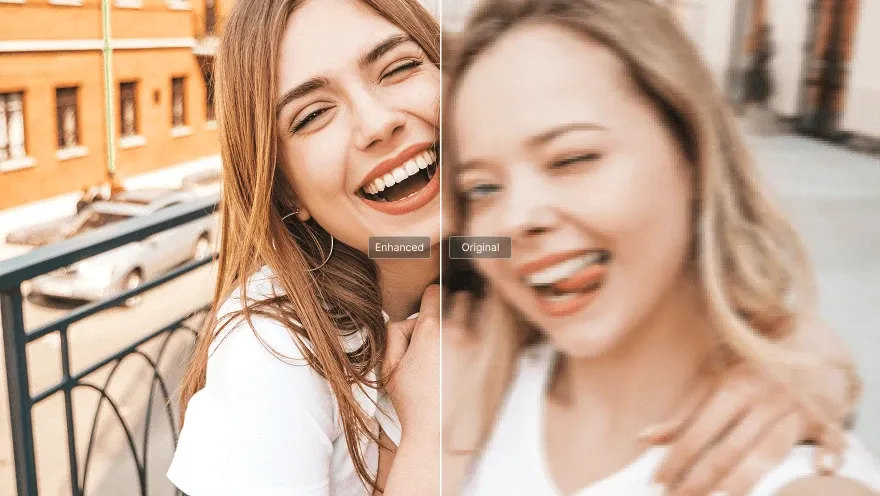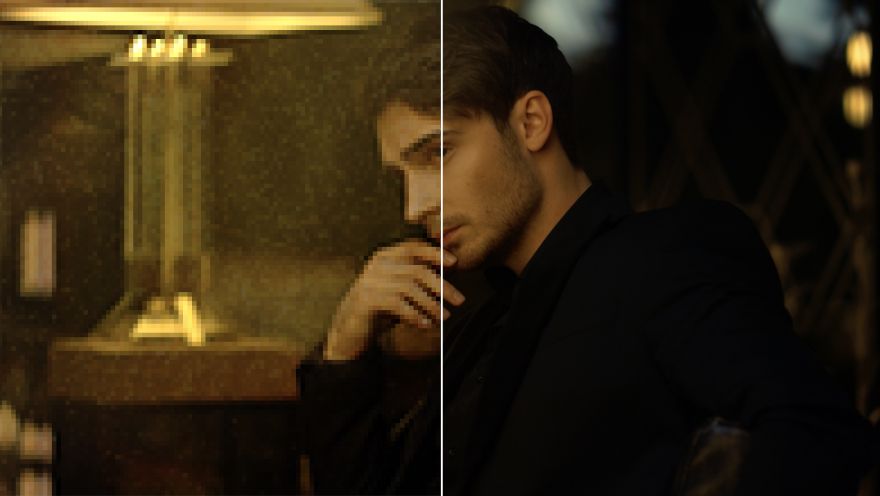
Enhanced Output Resolution
Instantly optimize original video quality up to 4K for clearer, sharper footage.
Profissionais de marketing
Redes sociais
Anime uma imagem estática e transforme-a num vídeo realista e dinâmico.
Transforme prompts de texto simples em vídeos cativantes.
Mantenha personagens, objetos ou cenas consistentes ao longo do vídeo.
Recrie vídeos existentes em qualquer estilo criativo de animação.
Gere vídeos de anime e desenhos animados com estilos visuais polidos.
Crie avatares de vídeo realistas a partir de um único retrato.
Edite vídeos instantaneamente com prompts de texto simples.
Modelos de vídeo suportados
Transforme ideias em imagens de IA apelativas e credíveis, em qualquer estilo.
Transforme as suas imagens em novos estilos e variações personalizadas.
Edite, melhore e embeleze fotos com prompts de texto.
Ferramentas de vídeo
模型
上传视频 *
我们支持 MP4 和 MOV 格式,最大文件大小为 200 MB。
所需额度:~1000额度
Enhancing low-quality footage is simple with our AI video enhancer that adjusts sharpness, contrast, brightness, and more to produce HD content.
Instantly optimize original video quality up to 4K for clearer, sharper footage.
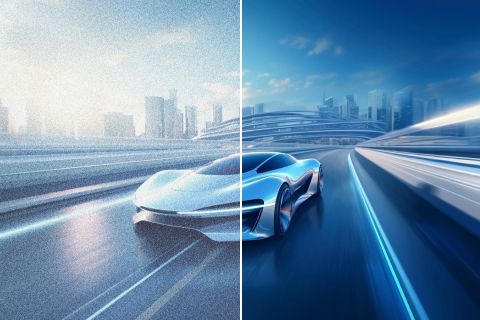
Improve clarity and sharpness so lost or hidden details across scenes become visible again.

Restore old or blurry clips, stabilize shaky footage, and clear imperfections for a cleaner look.
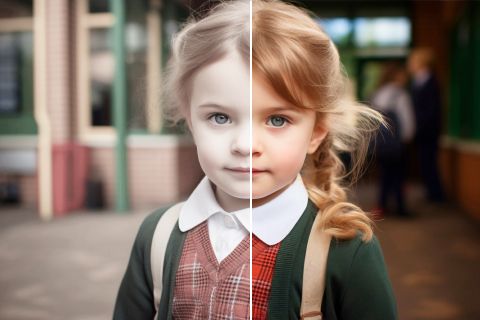
Automatically boost saturation so scenes feel more vivid—an intelligent last step for better AI videos.

Polish vlogs, shorts, interviews, and tutorials before publishing so they look cleaner and more professional.

Improve UGC ads and promo videos so every frame feels clearer, more credible, and more conversion-ready.

Enhance low-quality stylized scenes while keeping clean lines, contrast, and visual style intact.

Make demos, explainers, and screen lessons easier to follow so small details stay readable.
It is an AI tool that improves sharpness, contrast, brightness, and overall clarity—up to 4K—while keeping important visual detail.
It restores blurry or noisy footage quickly without complex editing workflows.
TikTV.AI Video Enhancer focuses on fast, credit-based enhancement with Pollo Enhance 1.6 aligned quality and pricing.
Open the Video Enhancer page, upload a video (or jump from Create with a prefilled clip), then click Generate.
You can try it with account credits. Pollo Enhance 1.6 consumes 1000 credits per run, matching Pollo's Upscale pricing.
MP4 and MOV files up to 200 MB are supported.

Choose TikTV.AI to enhance your videos up to 4K in just a few clicks.