
Video Matting
Isolate any subject in your video and generate a high-quality matte in one click.
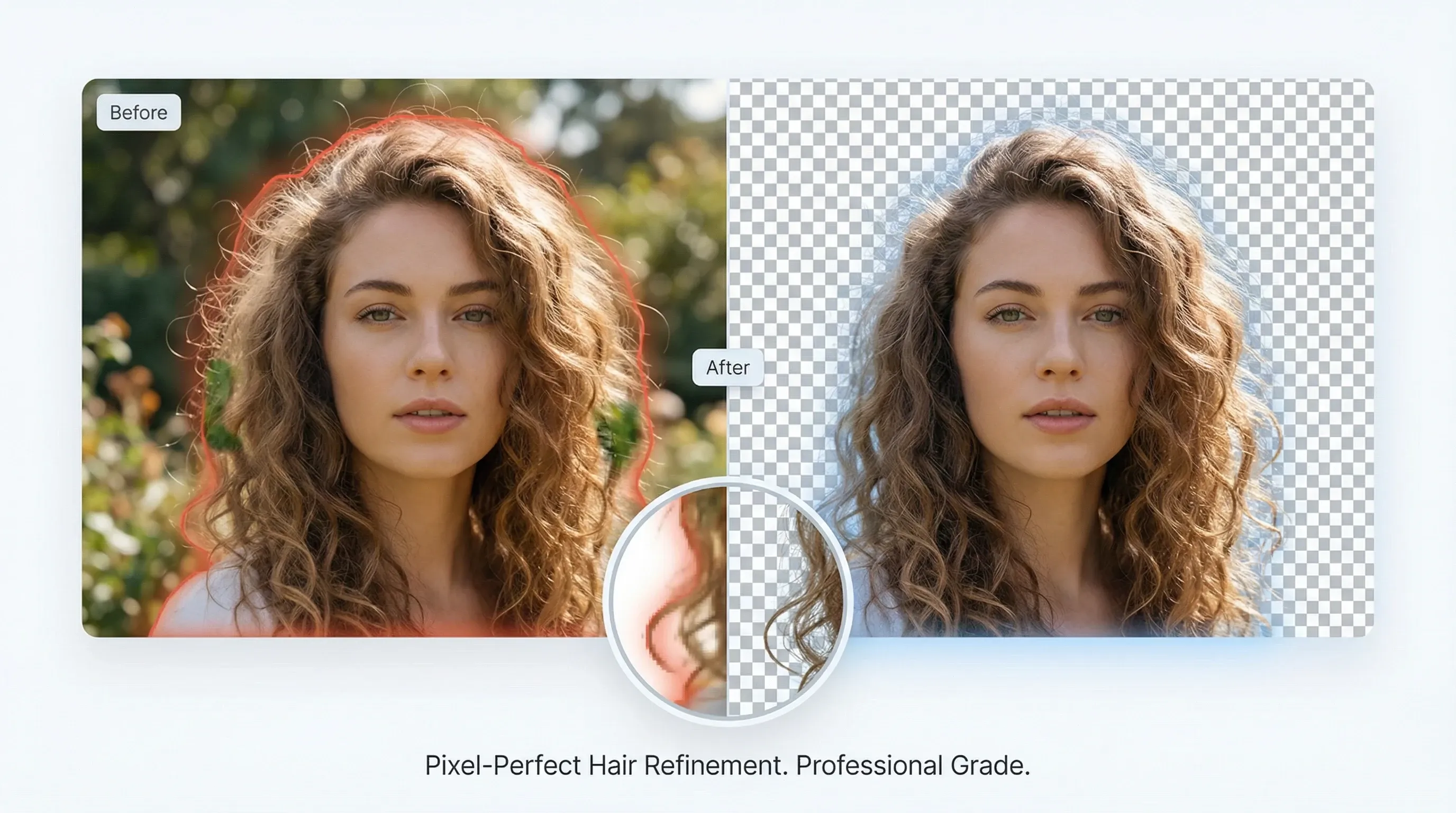
Professional-grade edge refinement
Advanced edge refinement delivers studio-quality alpha mattes that preserve hair and fine details.
Try video matting for free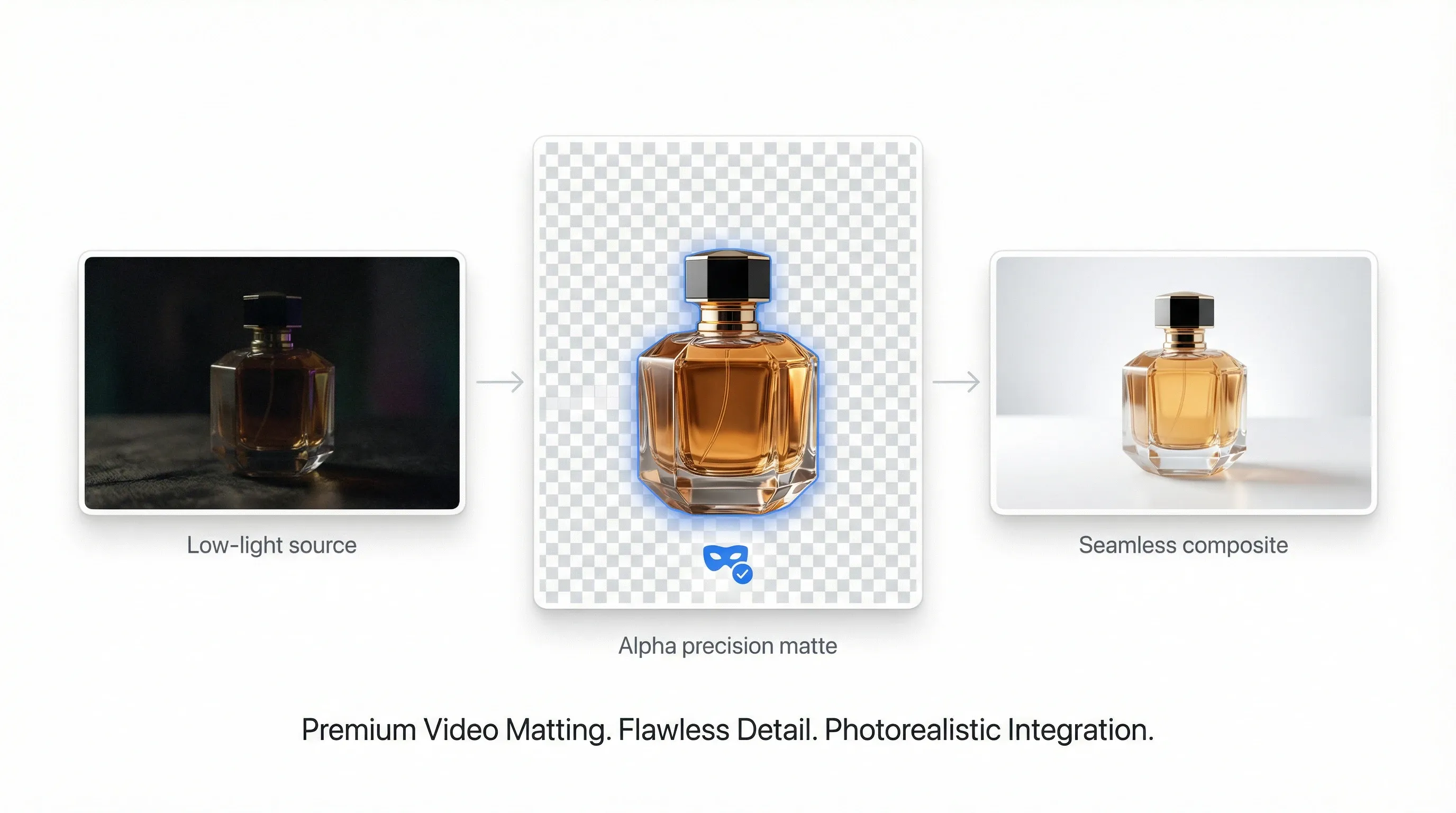
High-precision alpha matting
Keep subject detail even in low light, reduce noise, and prepare clips for seamless compositing.
Try video matting for free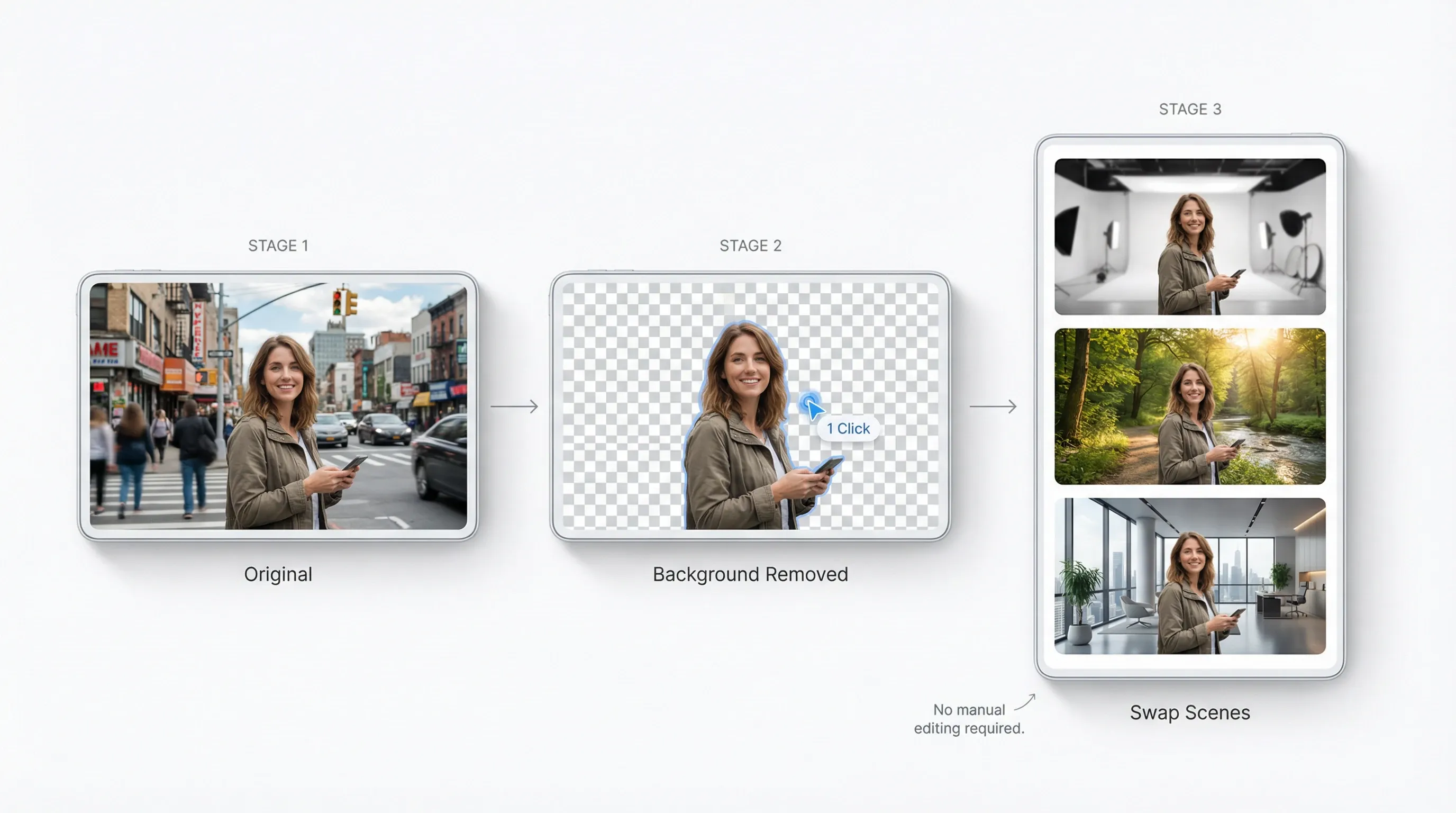
Remove backgrounds without manual editing
One-click subject isolation across frames so you can swap scenes and create variants fast.
Try video matting for free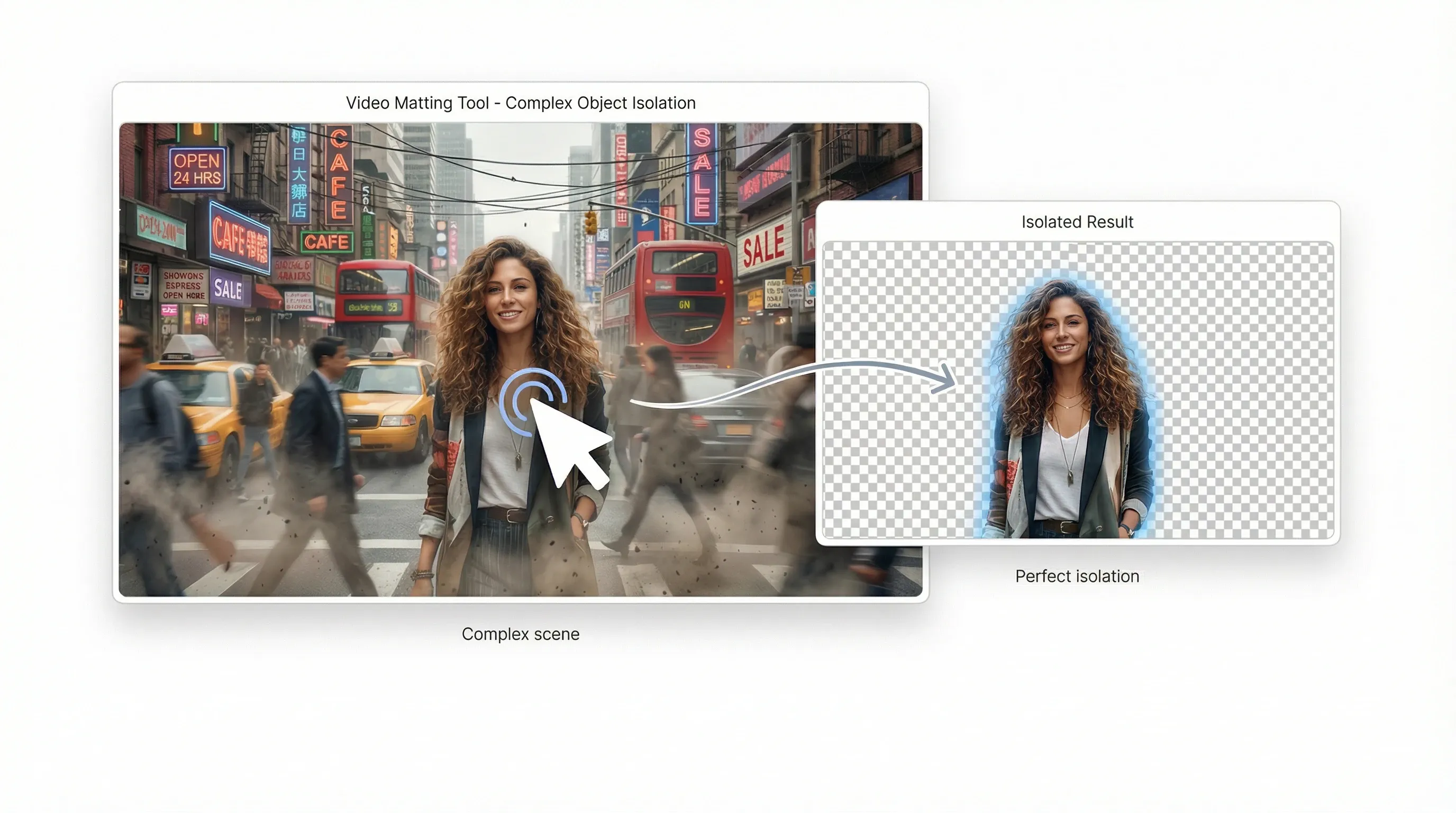
Eliminate editing bottlenecks
Automate complex object isolation that used to take hours of manual rotoscoping.
Try video matting for freeAI video matting for every creative idea

Studio-grade composites without a green screen
Separate complex subjects—including hair and fur—into professional alpha mattes in seconds.
How to use video matting?
- 1Upload a video, then click any object or area you want to isolate.
- 2AI automatically identifies the frame and removes the background.
- 3Download the foreground and alpha videos for compositing.
Explore more AI creative tools on TikTV AI



Video matting FAQs
Yes. Free credits let you try key features including background removal and transparency. Buy more for unlimited access.