
Dreamina AI Video Generator
Dreamina AI is a generative video and image platform developed by ByteDance, the powerhouse behind TikTok and CapCut. Its AI video generator enables creators to produce seamless "one-take" sequences by splicing videos and images, supports native audio-visual synchronization, and introduces granular clip editing. Try using Dreamina AI now!
Key Features of Dreamina AI
Smart Multi-frame & One-Take Cinematography: Combine up to 20 video and image assets to create seamle ss long-form transitions or "one-take" cinematic sequences.Native Audio-Visual Synthesis: Simultaneously generate synchronized video and audio, including realistic lip-sync, music, and environmental sound effects.Selective Clip Editing: An industry-first feature allowing users to lock specific video segments and refine only the parts they wish to modify."Last Frame" Reverse Storyboarding: Generate the starting sequence of a scene based on a provided ending image and specific text prompts.4K AI Video Upscaling: Enhance generated clips to high-definition resolution suitable for professional production.
Smart Multi-frame & One-Take Cinematography
The Smart Multi-frame update enhances the ability to create long-form, continuous narratives. Users can now upload and splice various combinations of "Video + Video" or "Video + Image." This allows for the creation of complex "one-take" shots—such as zooming from deep space all the way into a room's window—with fluid transitions. Supporting up to 20 assets with intervals of up to 8 seconds, it provides the technical foundation for more ambitious visual storytelling.
| Creative Input | Output Result |
|
Upload a video of a nebula and an image of a futuristic city 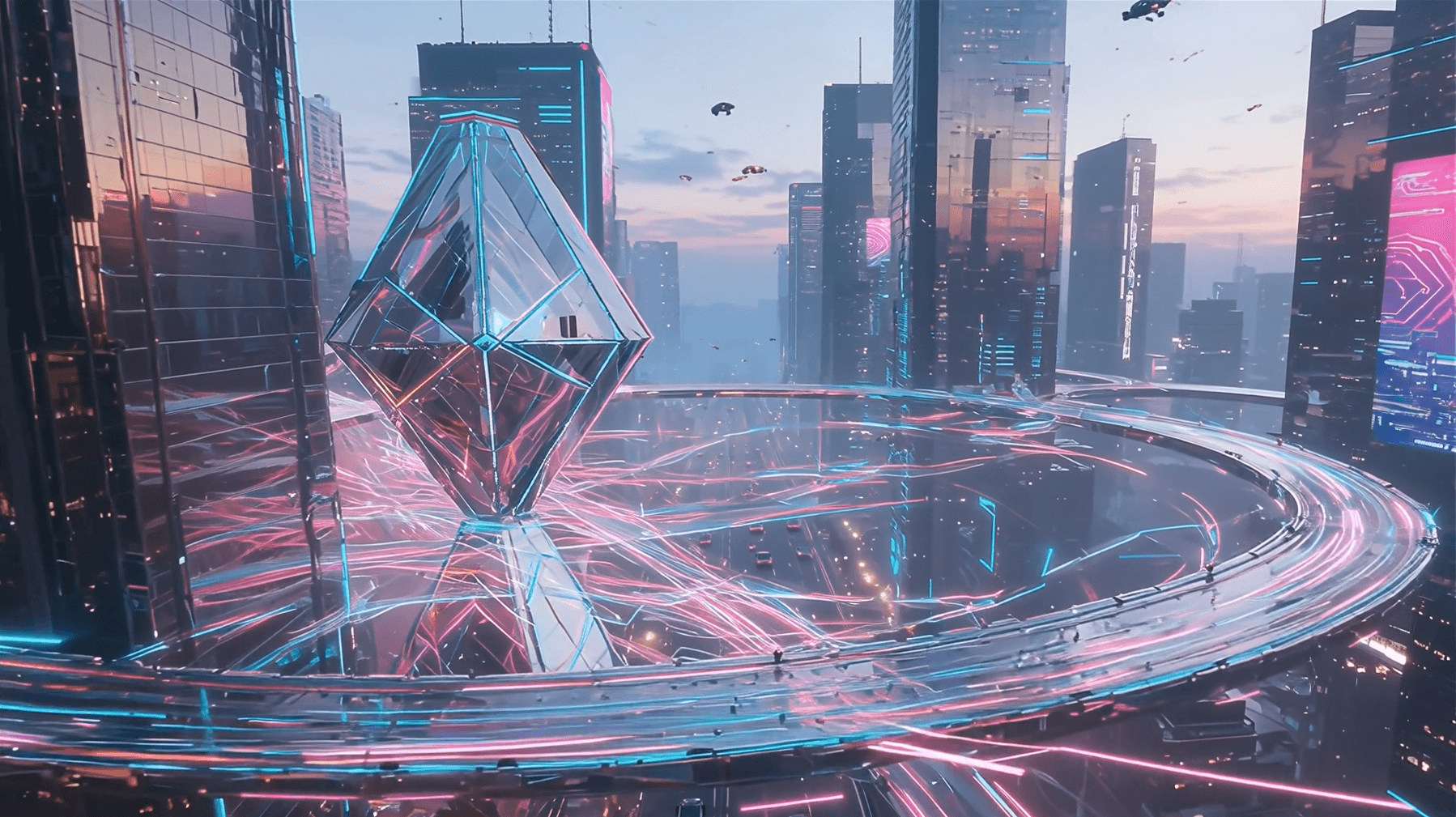 |
Native Audio-Visual Synthesis
Powered by the Video 3.5 Pro model (Seedance 1.5 Pro), Dreamina AI generates video and audio in a single workflow. This ensures that environmental sounds like footsteps, mechanical whirs, or musical performances are perfectly aligned with the visual action. This native synthesis removes the need for manual post-production foley or lip-syncing in the initial stages, providing a more immersive and realistic preview of the final content.
| Prompt | Audio-Visual Output |
| A high-speed train rushing past a station |
Selective Clip Editing
Dreamina AI introduces a specialized "Clip Editing" tool to address the challenge of partial dissatisfaction in AI generation. If a specific segment of a generated video requires adjustment, users can select that portion and lock the surrounding frames. This allows for granular refinement of specific actions or details without having to regenerate the entire video, significantly improving professional editing efficiency and creative control.
| Scenario | Editing Action |
"Last Frame" Reverse Storyboarding
For creators who have a specific ending in mind, the "Last Frame" mode offers a reverse-generation workflow. By uploading a final frame and providing a text prompt for the beginning of the scene, Dreamina AI calculates the visual "path" that leads to that specific result. This is ideal for creating logical narrative flows that must conclude with a specific brand asset, a logo, or a key visual climax.
| Reference | Output |
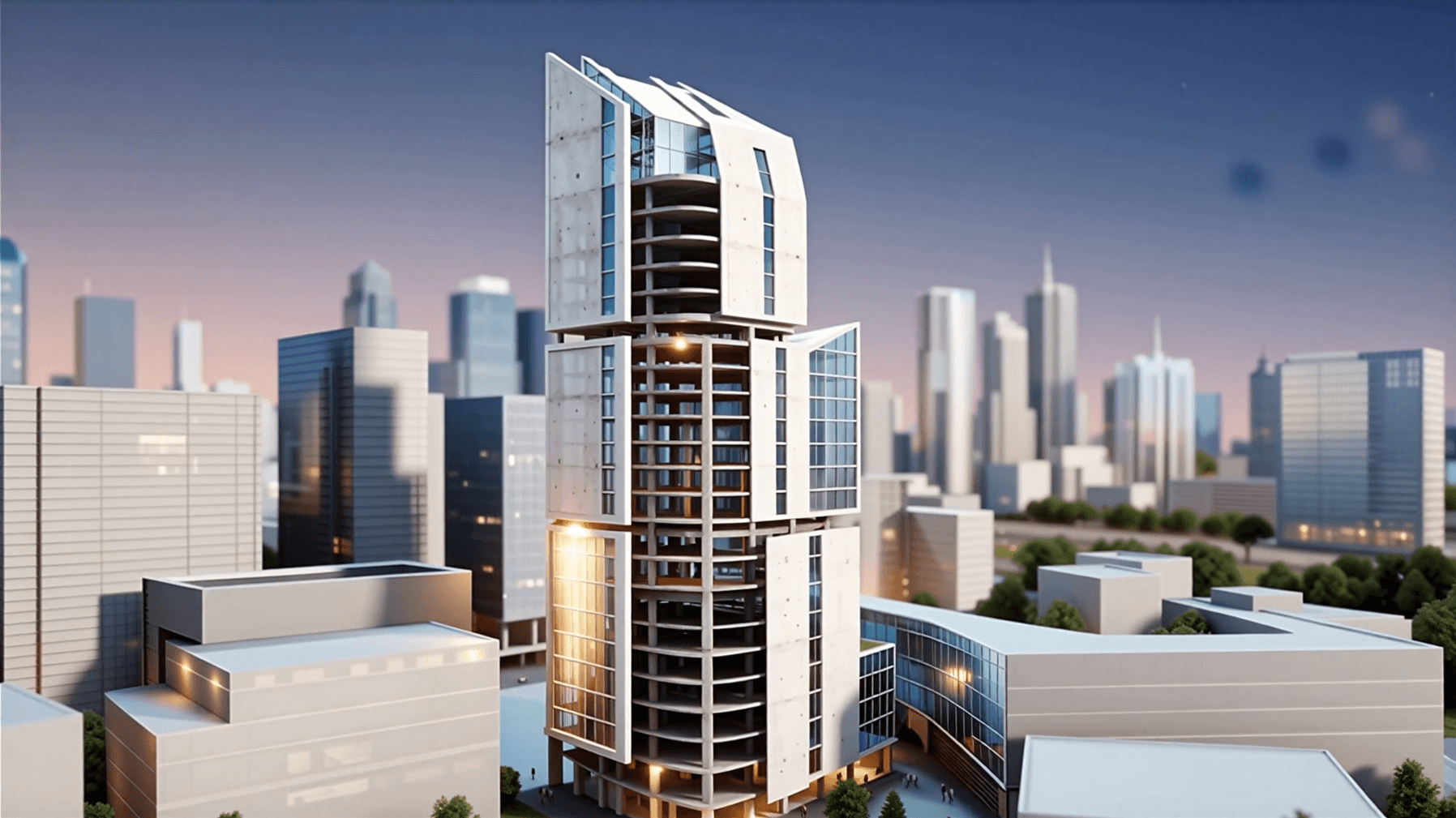 |
4K AI Video Upscaling
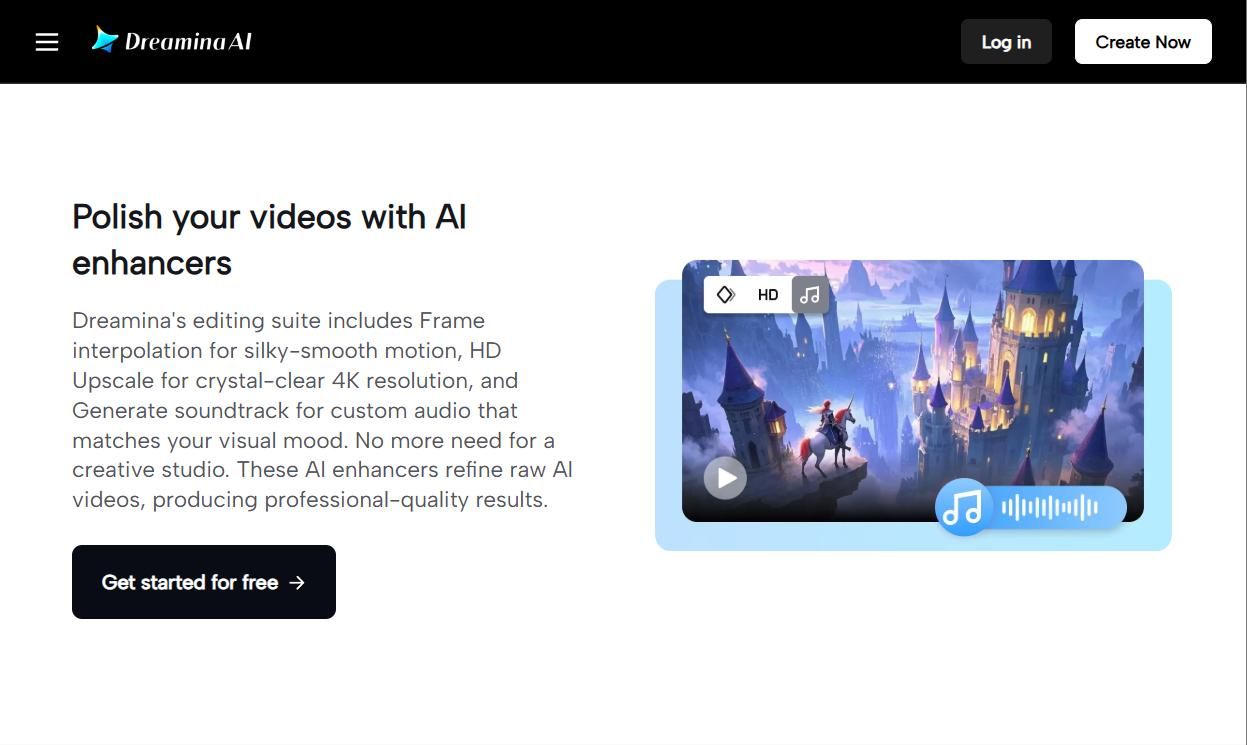
One of Dreamina AI's most practical features for professionals is its built-in upscaling capability. Often, AI video generation results in lower resolutions for speed. Dreamina allows users to take a generated clip and can upscale it to 4K resolution. This process adds detail, sharpens edges, and removes artifacts, making the footage ready for high-quality YouTube uploads or commercial displays.
Why Dreamina AI Outperforms Other AI Video Generators
AI Canvas: A Non-Linear Multi-Track Storyboard
Unlike the traditional "single-prompt" interface, Dreamina features an Infinite AI Canvas. This workspace allows creators to treat AI video generation like a design project in Figma. You can place multiple video clips, reference images, and text prompts on a single board, visually mapping out transitions and narrative flows. This is particularly unique for "One-Take" cinematography, as it allows users to connect different generated segments visually before finalizing the render.
Native Synchronization with the CapCut & TikTok Ecosystem
Dreamina serves as the "Creative Lab" for the ByteDance ecosystem. Its most unique feature is the Direct-to-Timeline Sync. Users can export a generated AI video directly into the CapCut cloud, where it automatically aligns with trending TikTok music and transitions. This bypasses the need for manual downloading and provides "Smart Templates" that are updated daily based on global viral trends.
Seedance 2.0: High-Fidelity Character & Motion Consistency
Dreamina utilizes the proprietary Seedance model architecture, which is specifically trained on ByteDance’s massive short-form video dataset. This provides a unique "Character Lock" feature that is significantly more stable than its competitors. It ensures that a character’s face, clothing, and movement style remain 99% consistent across different scenes, making it the preferred tool for AI-generated episodic content and short dramas.
Community-Driven "Prompt Remixing" Ecosystem
Dreamina is built as a social-creative hybrid. It features a Global Remix Feed where creators share their full "generation recipes"—including the exact prompt, reference images, and motion parameters. Unlike other platforms that hide these settings, Dreamina allows users to "fork" a successful creation and swap individual elements, drastically reducing the learning curve for professional-grade output.
Dreamina vs. Adobe Firefly vs. Invideo AI
| Feature | Dreamina | Adobe Firefly | Invideo AI |
| Best For | Artistic & Cinematic Clips | Enterprise & Pro Editing | Marketing & YouTube Scaling |
| Core Moat | High-Aesthetic "One-Takes" | 100% Commercial Safety | Automated Script-to-Video |
| Unique Feature | Infinite Canvas: Non-linear visual storyboarding. | Generative Extend: Native timeline fixes in Premiere. | AI Co-Pilot: Conversational editing via text prompts. |
| Asset Strategy | Bytedance/TikTok Creator Ecosystem | Ethically-Sourced Adobe Stock | 8M+ Stock Assets (Getty/iStock) |
| Workflow | Artistic Exploration | Surgical Correction | High-Speed Production |
How To Use Dreamina AI Video Generator on TikTV.AI
FAQs
What is Dreamina AI?
Dreamina AI is a high-end AI video and image generator developed by ByteDance. It is specifically designed to meet the needs of creative professionals, offering advanced tools for cinematic motion, style consistency, and high-fidelity visual output within a user-friendly interface.
What languages does Dreamina's lip-sync support?
Dreamina provides high-quality lip-syncing for multiple languages and specialized support for various Chinese dialects, including Cantonese and Sichuanese, ensuring natural facial micro-expressions.
Is Dreamina AI video generator free?
Dreamina AI typically uses a credit-based system. While it often offers free daily credits or a trial period for new users to explore its basic features, continuous high-volume generation and premium features like 4K upscaling usually require a paid subscription.
Is Dreamina owned by CapCut?
Dreamina is developed by ByteDance, the parent company of both TikTok and CapCut. Because of this shared ownership, Dreamina is deeply integrated with CapCut, serving as its primary generative AI engine for advanced video asset creation.
How much does Dreamina cost?
The pricing for Dreamina varies based on the subscription tier. It generally offers a free tier with limited daily capacity, while professional plans (typically billed monthly or annually) provide more credits, faster generation priority, and access to advanced editing features.
How to use Dreamina AI for free?
You can use Dreamina AI for free by visiting its official website or accessing it through integrated platforms like CapCut. These services often provide a daily allowance of free credits, allowing users to experiment with its video generation tools and multi-shot features at no initial cost.