VEED AI 视频生成器
VEED 专为个人和团队打造,是一款一站式人工智能视频生成器,可提供丰富的媒体工具和一键式简洁操作,从而简化专业级视频的创作和编辑。在 2022 年筹集 3500 万美元以扩展其 AI 套件后,VEED 的创新现已使我们能够轻松制作公司视频、宣传视频、社交媒体剪辑等。立即试用 VEED!
Key Features of VEED
AI Video Model Aggregator: Comes integrated with several industry-leading AI video modelsOne-Click AI Video Editing: Offers various automated video editing functions with instant resultsCustom AI Talking Avatars: Use dozens of stock avatars or create your own personal digital cloneLarge Stock Media Library: Browse through millions of royalty-free video and audio assetsCollaborative Video Creation: Access smart collaboration tools to work with teams on videos
AI Video Model Aggregator
VEED integrates several best-in-class AI video models like Kling AI, Sora 2, Veo 3, Seedance, Pixverse, and others, allowing users to precisely tailor their creations for cinematics, real-world motion, native audio, etc. With access to text-to-video, image-to-video, and video-to-video capabilities, you can turn any simple idea into a full visual narrative within minutes.

One-Click AI Video Editing
VEED’s core offering lies in its innovative AI video editing suite that supports automated one-click functions for video trimming, cutting, rotating, resizing, and more. Even beginners can effortlessly remove video backgrounds, clean up scruffy audio, as well as add subtitles, animations, logos, background music, etc, with no advanced editing experience needed.

Custom AI Talking Avatars
With 60+ diverse pre-built AI avatars to choose from, VEED enables users to produce presenter-style video content without recording themselves on camera. You can also use their Fabric 1.0 model to transform any subject image and audio recording into a lifelike talking video, opening new opportunities for custom digital cloning and branded content creation.
| Reference | Video Output |
 |
Large Stock Media Library
VEED lets users browse and select from over 2M+ stock images, videos, and audio tracks, providing limitless options for creative visual storytelling. With all media assets being 100% royalty-free, you can use them to produce videos for commercial use, making it suitable for crafting explainers, tutorials, promotional ads, trailers, and more.

Collaborative Video Creation
VEED empowers teams by catering to collaborative video editing, allowing multiple users to share feedback and notes with specific timestamps for faster approval processes. It also lets you share assets like custom logos, templates, and images with others using the Brand Kit, making it easier to reproduce them across multiple video projects.

What Makes VEED Stand Out Among AI Video Generators
AI Eye Contact Correction for Professional Delivery
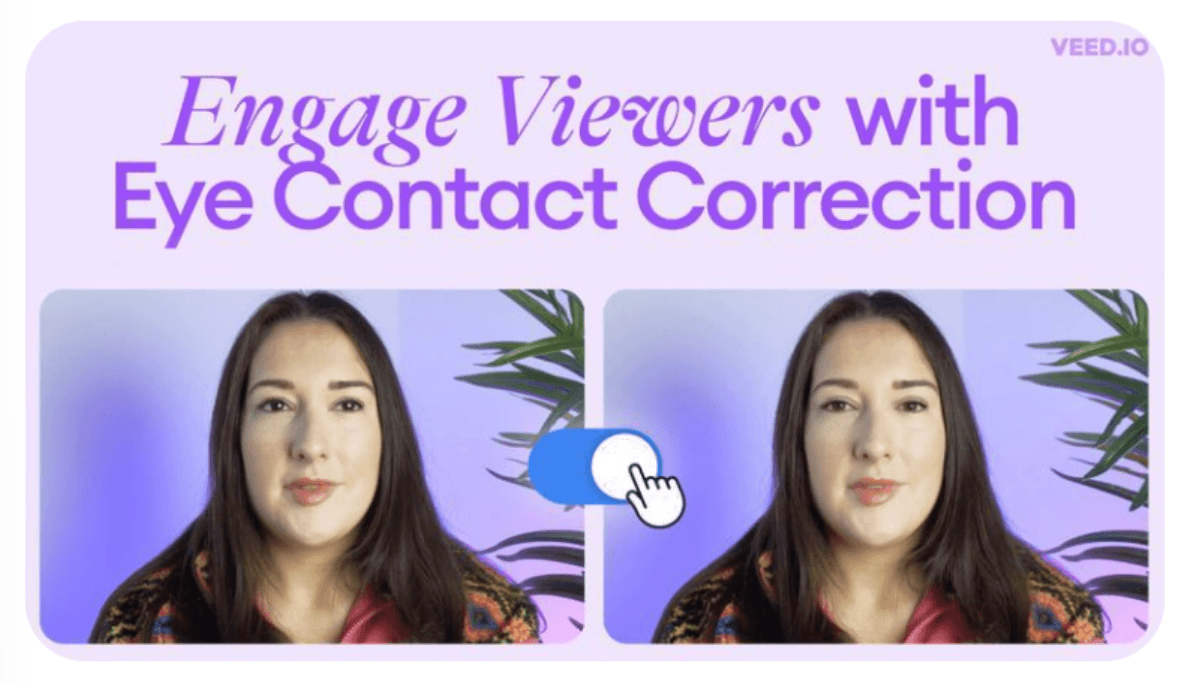
VEED’s most famous "black magic" feature is AI Eye Contact Correction. Using advanced gaze-tracking technology, VEED can post-process your video to make it appear as though you are looking directly at the camera, even if you were actually reading a script or looking at a teleprompter.
"Magic Cut" & Intelligent Silent Removal
VEED’s Magic Cut is an automated professional editor. It uses AI to scan your footage for "bad takes," long silences, and verbal fillers.
Instead of you manually hunting for mistakes, the AI highlights these sections and allows you to delete them all in one click. This can turn a raw 15-minute recording into a tight, 3-minute professional video in under 30 seconds.
Dolby-Powered "Clean Audio" Technology
VEED has partnered with Dolby to provide a professional-grade AI Audio Enhancer. Unlike standard noise-reduction filters, this tool reconstructs vocal frequencies and removes complex background interference (like wind or traffic) while maintaining a rich, "studio-quality" tone.
Integrated Browser-Based Studio & Smart Teleprompter
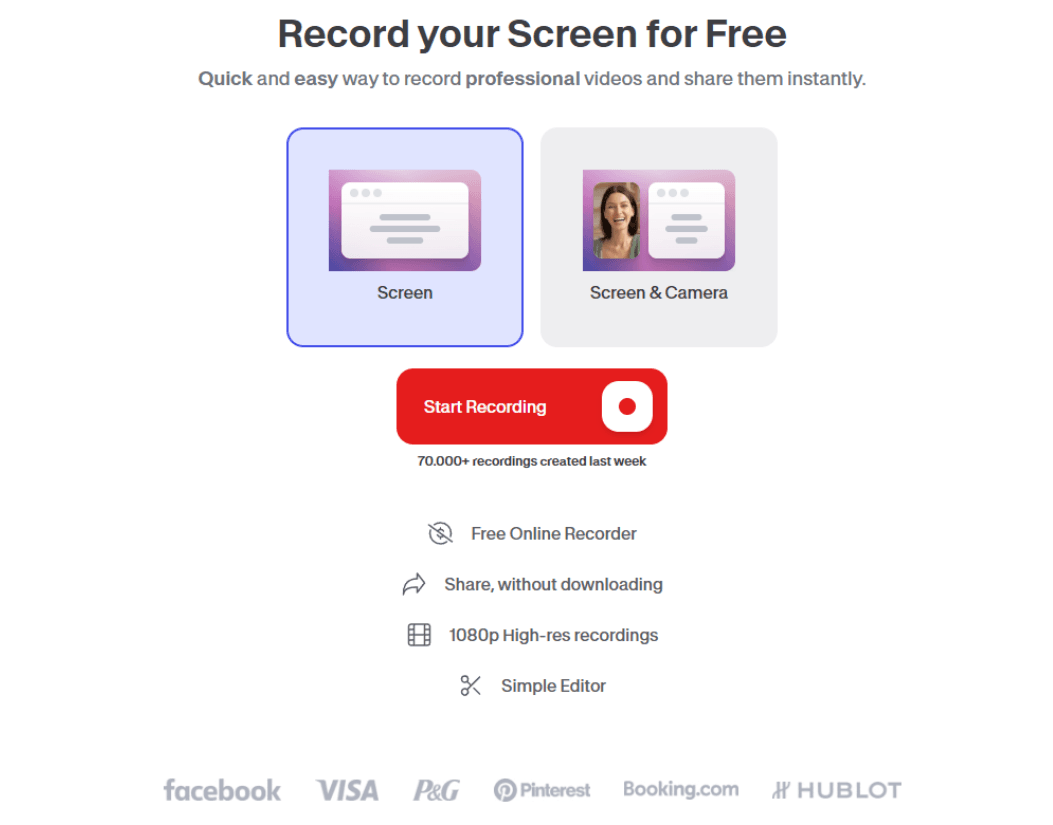
VEED is not just an editor; it is a full Webcam & Screen Recording Studio. Its unique value lies in the Integrated Teleprompter, which scrolls your script at your preferred speed directly on your recording screen.
Once the recording stops, the video is instantly loaded into the editor with no upload delay. This "Capture-to-Edit" workflow is significantly more efficient than using separate recording and editing software.
Want to know the pros and cons of VEED.io? Read the Veed.io insight.
VEED.IO vs. Vmaker AI vs. Invideo AI
| Dimension | VEED.IO | Vmaker AI | Invideo AI |
| Workflow Logic | Collaborative Cloud Studio: Upload, Edit, Review. | Capture & Polish: Record Screen, AI Clean. | Generative Co-Pilot: Text, Full Production. |
| Audio Intelligence | Dolby Optimization: Studio-grade vocal reconstruction. | Silence Purging: Auto-removal of filler words & gaps. | Sync Engine: Automatic voiceover-to-scene timing. |
| Creative Assets | Professional Brand Kits & Layout Templates. | Private Library priority for authentic b-roll. | 16M+ Professional Stock Assets (Getty). |
| Primary Value | Brand Consistency: For creative marketing teams. | Tutorial Efficiency: For software & technical demos. | Content Scaling: For marketers needing mass volume. |
VEED的主要功能
AI视频模型聚合器:集成了多款行业领先的AI视频模型
一键式AI视频剪辑:提供各种自动化视频编辑功能,即时出片。
定制AI对话虚拟形象:使用数十种现成头像,或创建您自己的个人数字克隆。
海量素材库:浏览数百万免版税视频和音频素材
协作视频创作:使用智能协作工具与团队协作处理视频。
AI视频模型聚合器
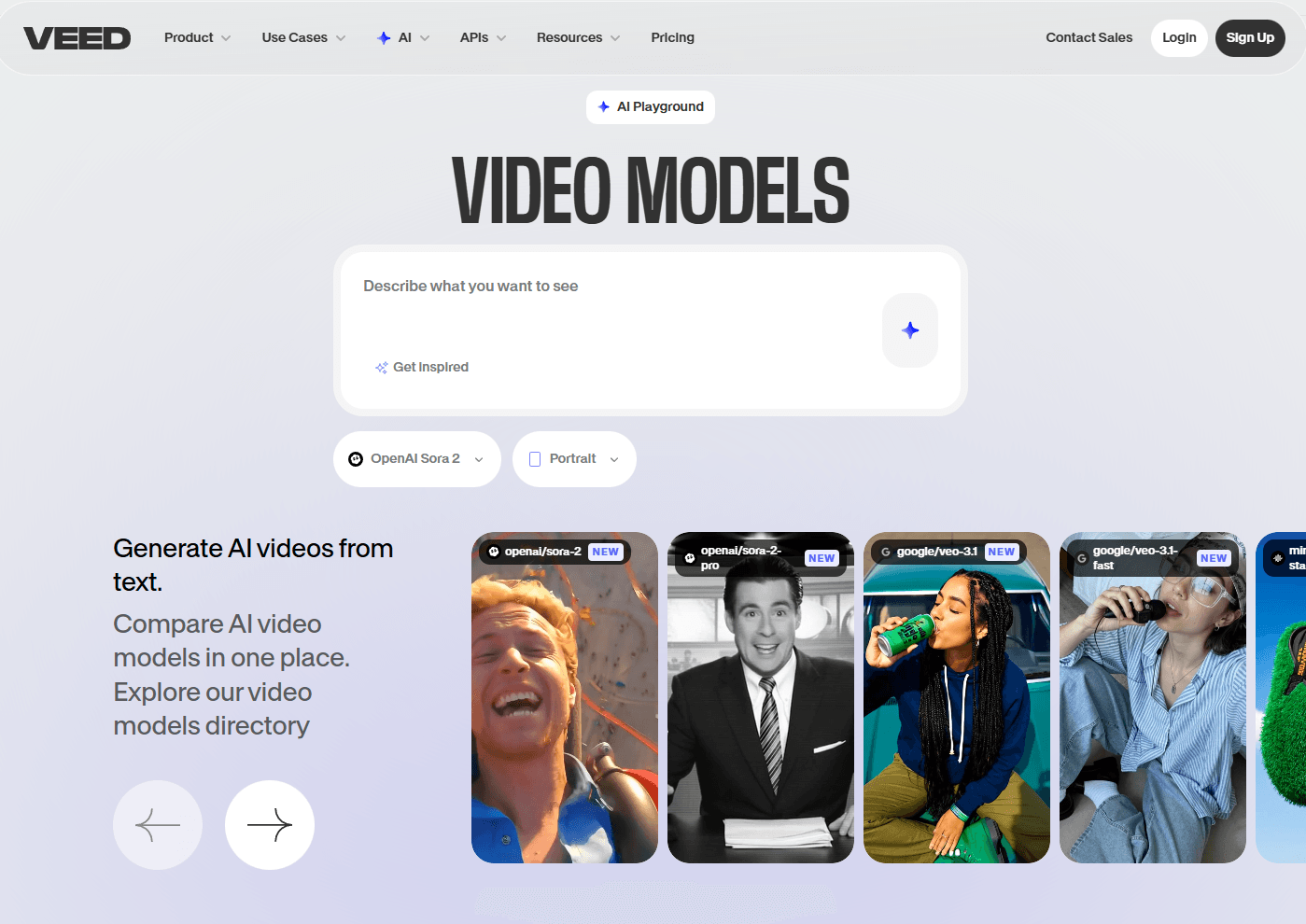
VEED集成了Kling AI 、 Sora 2 、 Veo 3 、 Seedance 、 Pixverse等多款一流的 AI 视频模型,用户可以根据电影、真实动作、原生音频等精确定制自己的作品。通过文本转视频、图像转视频和视频转视频功能,您可以在几分钟内将任何简单的想法变成完整的视觉叙事。
一键式AI视频剪辑
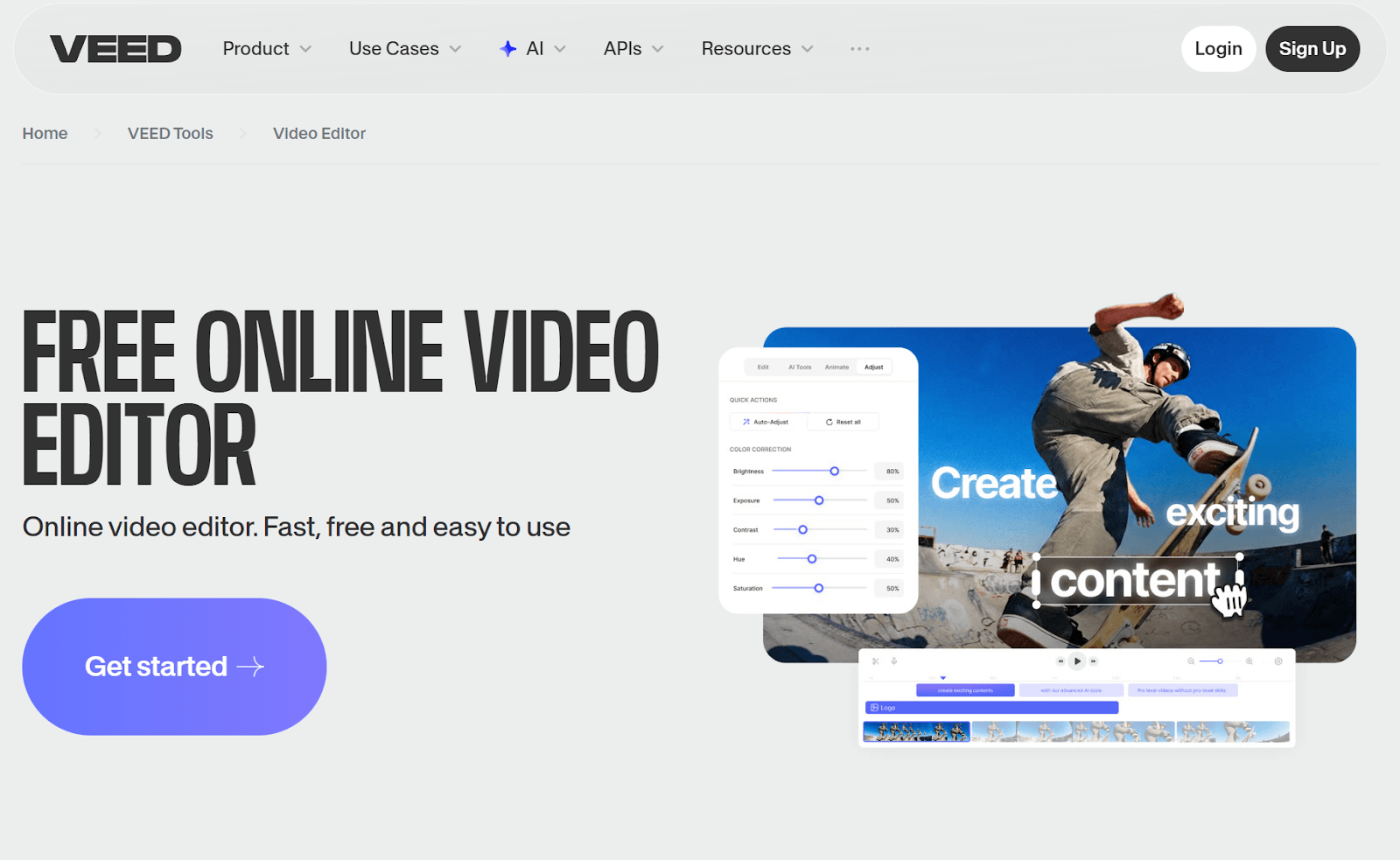
VEED 的核心产品是其创新的 AI 视频编辑套件,支持视频修剪、剪切、旋转、调整大小等一键式自动化功能。即使是初学者,无需高级编辑经验,也能轻松去除视频背景、清理杂乱的音频,以及添加字幕、动画、徽标、背景音乐等。
定制AI对话虚拟形象
VEED提供 60 多个风格各异的预设 AI 虚拟形象供用户选择,让用户无需亲自出镜即可制作出播音员风格的视频内容。您还可以使用他们的 Fabric 1.0 模型,将任何主题图像和音频录音转换为逼真的说话视频,为自定义数字克隆和品牌内容创作开辟了新的机会。
海量素材库
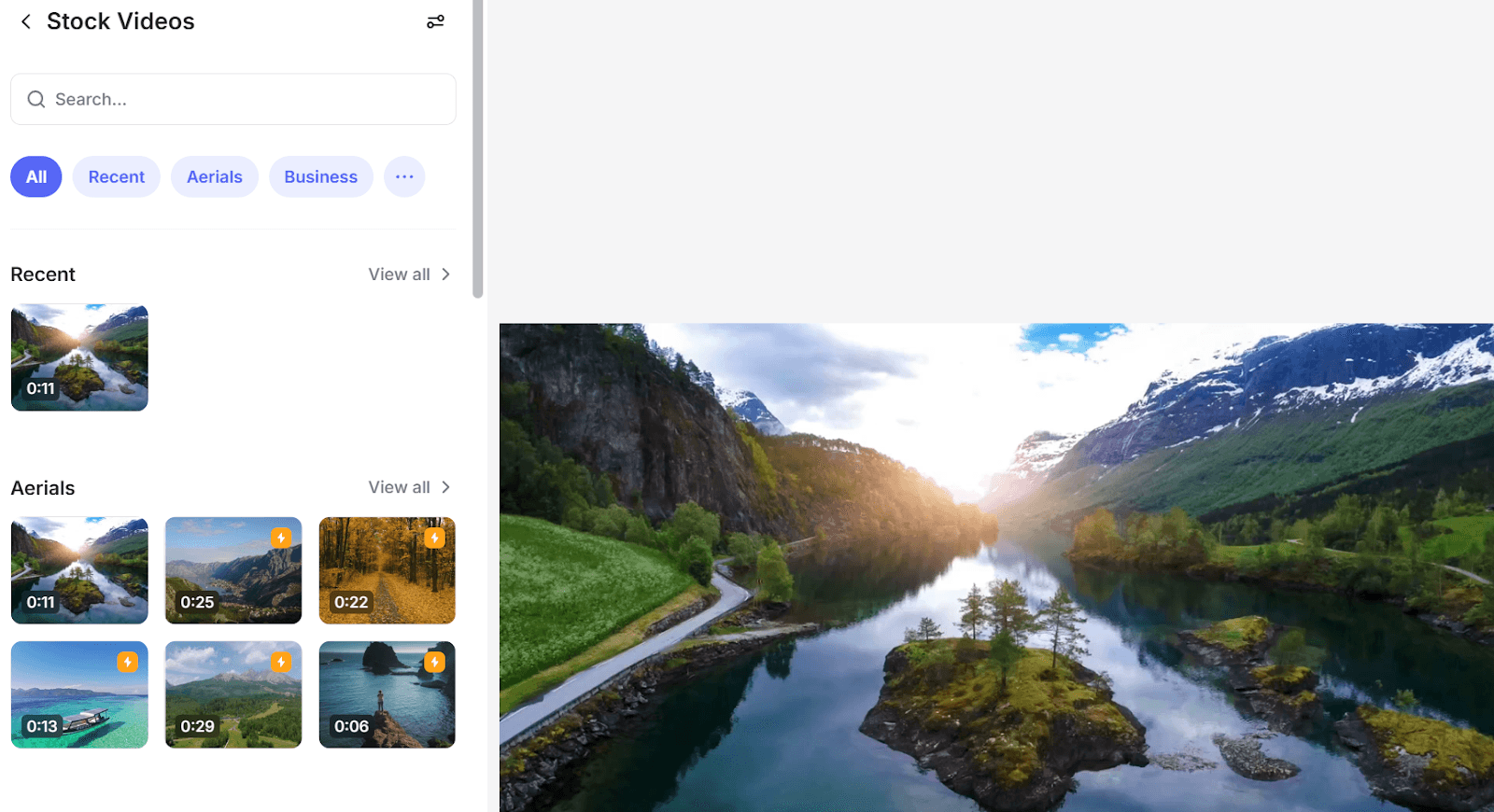
VEED允许用户浏览和选择超过 200 万张库存图片、视频和音轨,为创意视觉叙事提供无限选择。所有媒体素材均为 100% 免版税,您可以将其用于制作商业用途的视频,使其适用于制作解说视频、教程、宣传广告、预告片等。
协作视频创作
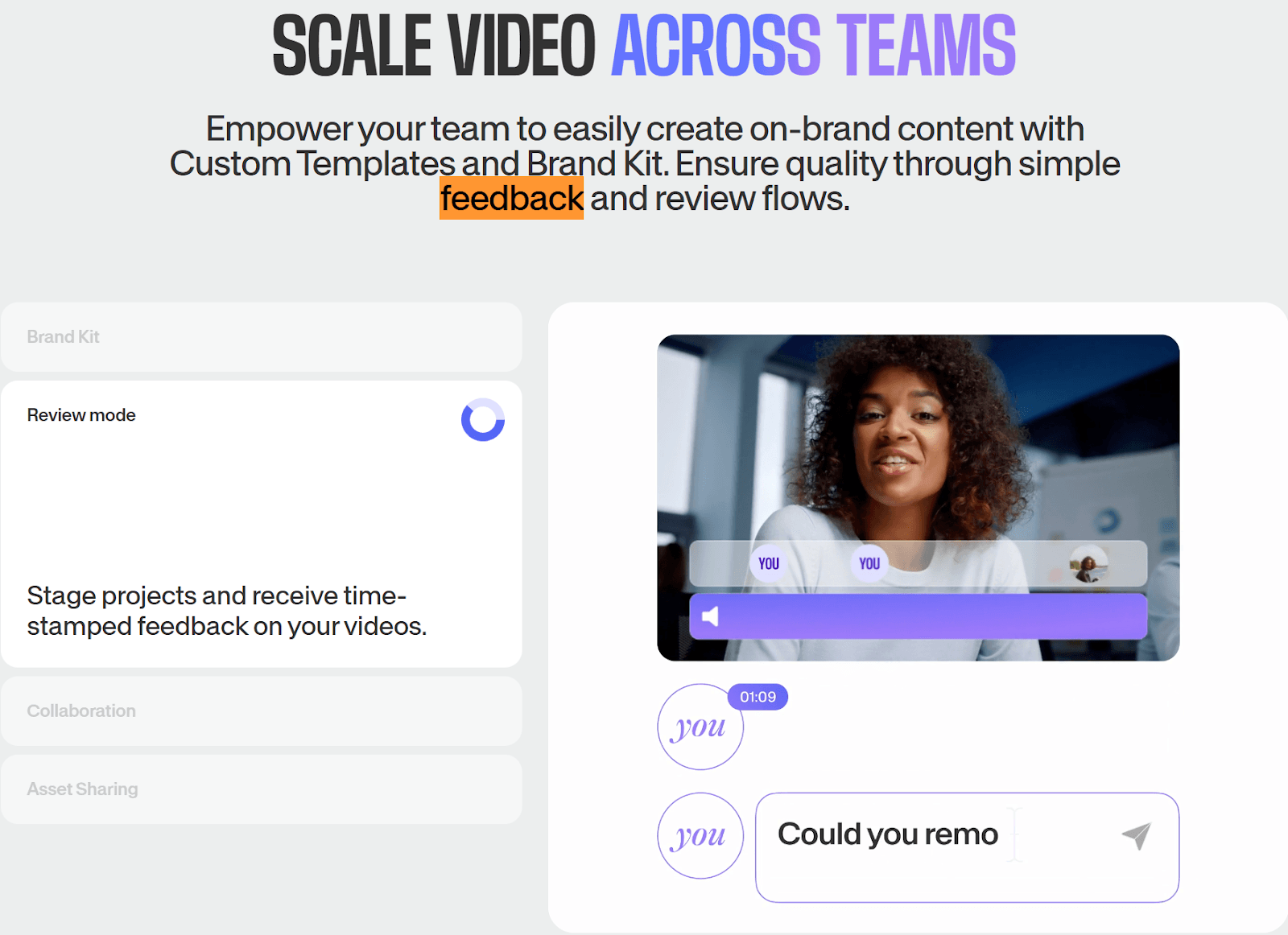
VEED通过协作式视频编辑功能为团队赋能,允许多个用户分享反馈和备注,并附带具体的时间戳,从而加快审批流程。它还允许您使用品牌工具包与他人共享自定义徽标、模板和图像等素材,从而更轻松地在多个视频项目中重复使用它们。
VEED在众多 AI 视频生成器中脱颖而出的原因
VEED 最著名的“黑魔法”功能是AI 视线校正。利用先进的凝视跟踪技术, VEED可以对您的视频进行后期处理,使其看起来像是您正在直视镜头,即使您实际上是在阅读脚本或看着提词器。
VEED 的“魔术剪辑”是一款自动化的专业编辑器。它使用人工智能扫描您的素材,以查找“糟糕的镜头”、长时间的沉默和口头填充词。
AI 会高亮显示这些部分,让您一键删除,而无需手动查找错误。这样,您可以在 30 秒内将 15 分钟的原始录音变成 3 分钟的专业视频。
VEED已与杜比合作,提供专业级 AI 音频增强器。与标准降噪滤镜不同,此工具可重建人声频率并消除复杂的背景干扰(如风声或交通声),同时保持丰富、具有“录音棚品质”的音调。
VEED不仅仅是一个编辑器,它还是一个完整的网络摄像头和屏幕录制工作室。它的独特价值在于集成的提词器,它能以您喜欢的速度在录制屏幕上滚动显示您的脚本。
录制停止后,视频会立即加载到编辑器中,没有上传延迟。这种“捕获到编辑”的工作流程比使用单独的录制和编辑软件效率高得多。
VEED对比Vmaker AI对比Invideo AI

探索 TikTV AI 上的其他创新 AI 视频生成器
常见问题解答
VEED 是什么?
VEED 是一款先进的 AI 视频制作和编辑器,专为快速轻量级的视频制作而设计。用户可以根据文本提示快速生成完整的视觉叙事,并访问即时视频编辑控件,轻松进行剪辑、裁剪、压缩、添加字幕、插入音乐等操作。
为什么选择 VEED?
VEED 将 AI 视频生成与自动化的一键编辑相结合,实现了简单、高效、更智能的工作流程。无论您是需要营销视频、教程、社交媒体短片等,它都能在几分钟内直观地帮助您像专家一样创建和编辑视频,显著缩短传统的制作时间和成本。
VEED 免费吗?
是的。通过 TikTV AI,您可以通过我们的免费试用计划免费使用 VEED。只需注册一个帐户,首次用户即可获得有限的积分来生成视频。但是,一旦免费积分用完,您就需要订阅付费计划以获取更多。
我可以在 VEED 中创建任何视觉风格的 AI 头像吗?
是的。您可以通过为风格化的人物插图、绘画或艺术作品添加动画来创建自己的自定义演示者。只需上传主体图像和语音录音,VEED 即可创建逼真的表演,具有自然的唇部运动和手势,同时保留原始图像的外观。
使用 VEED 创建需要额外的软件吗?
完全不需要。VEED 是一款一体式 AI 视频制作和编辑器,这意味着整个视频创作过程是自动化的,并且在本地处理。您无需任何第三方工具或软件即可制作精美的视觉叙事,无论是用于社交媒体、营销、培训等。
我可以在 VEED 中编辑现有视频吗?
绝对可以。VEED 拥有多种编辑控件,可帮助您通过添加动画、效果、过渡、字幕等来完善现有视频。您甚至可以立即将长视频压缩成更短的片段;只需上传原始视频,点击几下即可重新构思,并获得专业级效果。